How to edit and delete milestones on Linear
Here is how to edit and delete milestones on linear
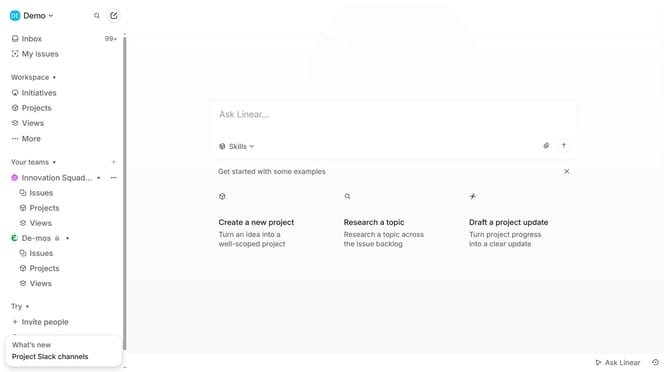
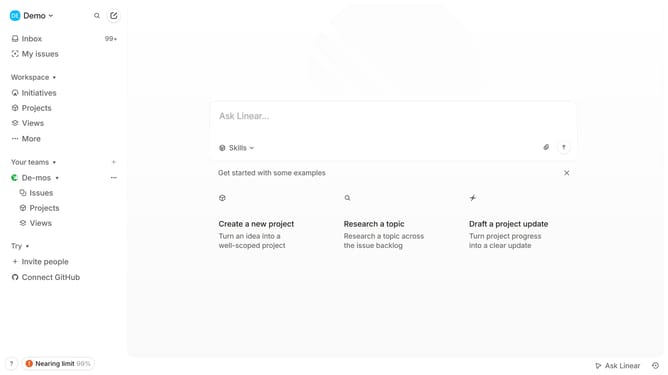
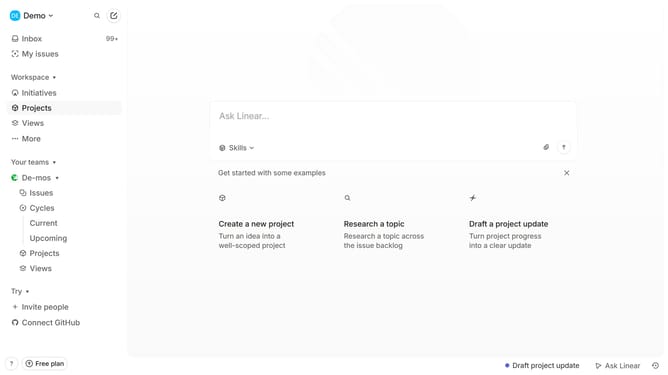
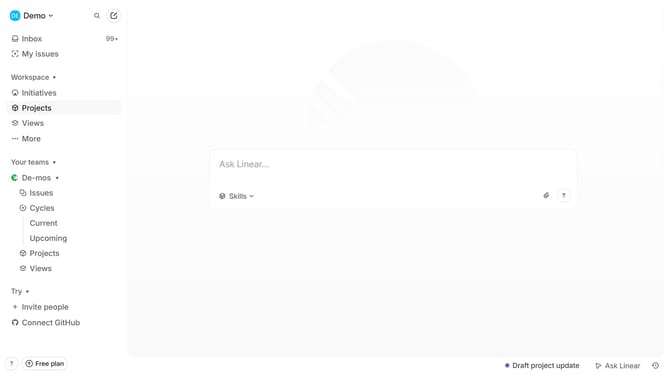
- First navigate to the "Projects" section from the sidebar
- Then select the project where the milestone is located
- Find the milestone you want to edit and click on it
- Update the title, description, due date, or any other details as needed
- Next click on the three dots and select "Delete" in the dropdoan menu
- The milestone will be permanently removed from the project
Why should you edit and delete milestones on Linear
Linear is a modern tool designed to streamline project management and enhance team productivity.
The ability to edit and delete milestones on Linear provides flexibility and control over project timelines. With these features, teams can easily adjust to changes, ensuring that project goals remain aligned with evolving priorities.
Utilizing these capabilities, teams are empowered to maintain a clear focus on delivering results, fostering a proactive approach to project management. This adaptability not only increases efficiency but also supports seamless collaboration across all project stages.
Last update