How to restore a document version in a project on Linear
Here is how to restore a document version in a project on linear
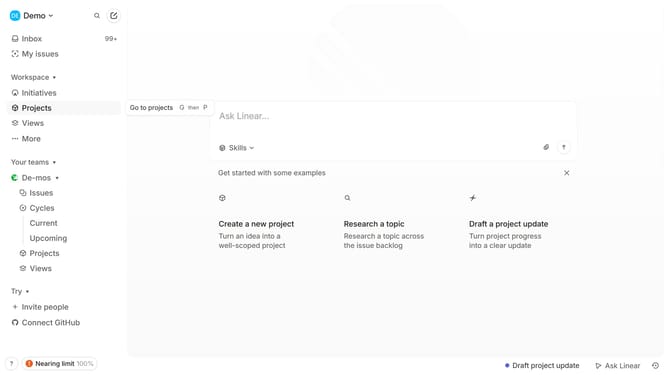
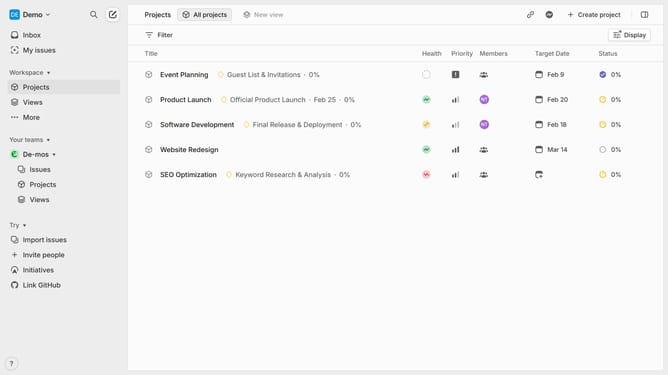
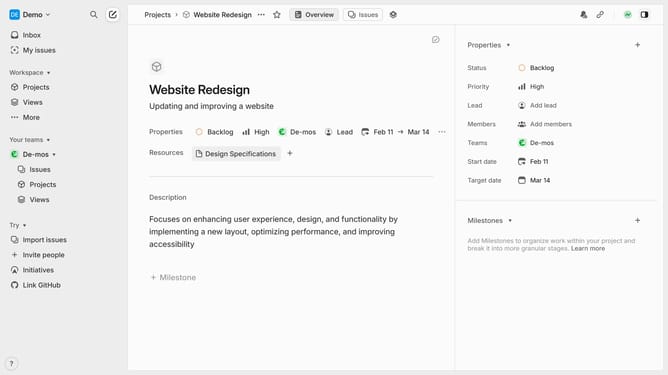
- First click on "Projects" item in the sidebar
- Then click on the project name from the project list
- Next click on the document link within the "Resources" section
- Then click on the "three dots" icon in the header
- After that, select "Show document history" from the dropdown menu
- Then click on a version in the document history
- Finally click on the "Restore version" button
Why should you restore a document version in a project on Linear
Linear is a streamlined project management tool designed to enhance team productivity and efficiency.
The ability to restore a document version in a project on Linear ensures that no work is ever truly lost, promoting peace of mind and continuity.
This feature is invaluable for maintaining accuracy, allowing team members to revisit and reinstate past iterations, thus safeguarding progress against accidental changes or deletions.
By easing the recovery of previous versions, users can effortlessly maintain project integrity while fostering a collaborative environment.
Last update