How to change a team timezone in Linear
Here is how to change a team timezone in linear
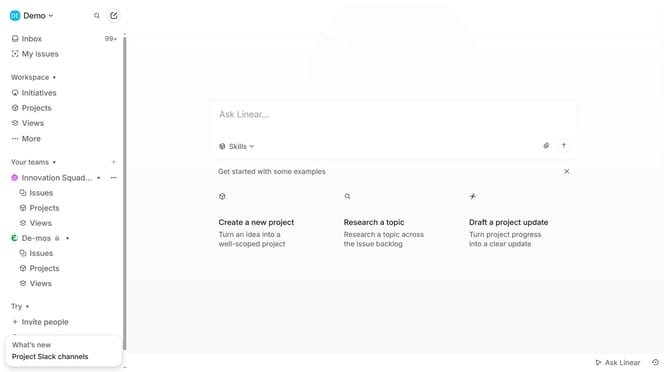
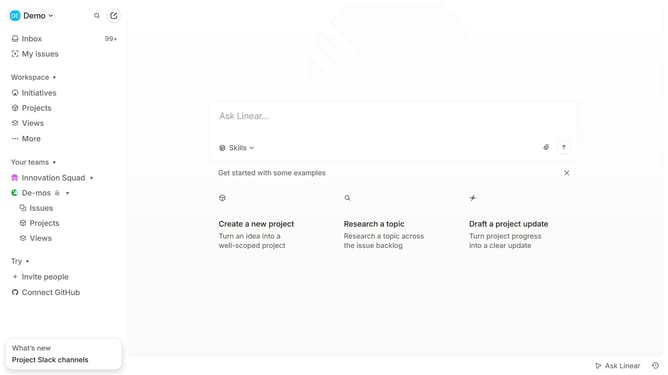
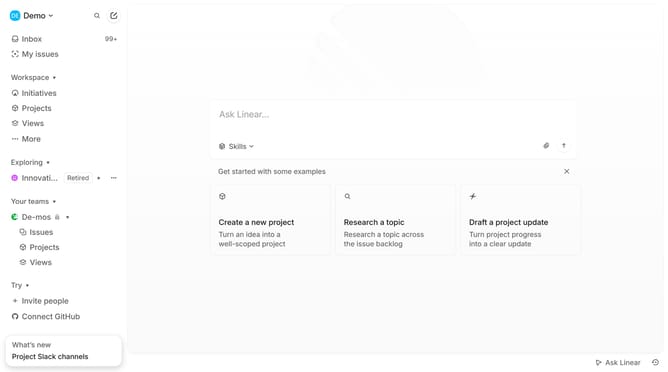
- First, click on the three dots menu for the team name in the sidebar
- Then, select 'Team settings' from the dropdown menu
- Next, click on the 'General' section header
- Then, click on the timezone dropdown menu
- Finally, select from the timezone options
Why should you change a team timezone in Linear
Linear is a streamlined tool designed to optimize project management and team collaboration.
One key feature is the ability to change a team timezone. This adjustment enhances coordination by aligning project timelines with the team's actual working hours.
Using the appropriate timezone ensures that deadlines, reminders, and updates are seamlessly integrated into the team's workflow, minimizing confusion and boosting productivity. Fostering better alignment across global teams, this feature is crucial for maintaining efficiency and effective communication.
Last update