How to restore a retired team in Linear
Here is how to restore a retired team in linear
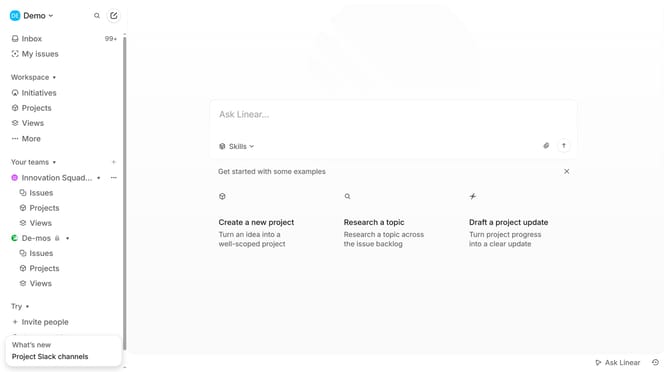
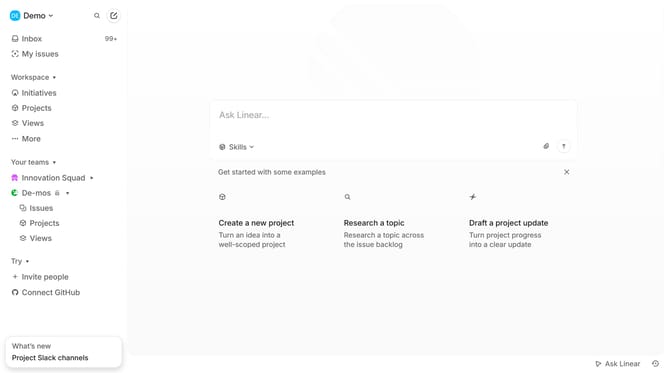
- First click on the 'three dots' menu icon in the sidebar
- Then click on "Team settings" option from the dropdown menu
- Next click on the "Restore" button
- Finally click on the "Restore team" button
Why should you restore a retired team in Linear
Linear is a streamlined platform designed for efficient and effortless teamwork.
One of its standout features is the ability to restore a retired team, maximizing flexibility for evolving projects. This capability ensures that valuable histories and progress aren't lost, enabling seamless continuity.
Restoring a retired team in Linear offers a safeguard against inadvertent data loss, providing peace of mind. It also enhances collaboration by allowing teams to quickly regroup and resume operations if needed.
Ultimately, this feature supports adaptability, a crucial component of effective project management.
Last update