How to disable cycles on Linear
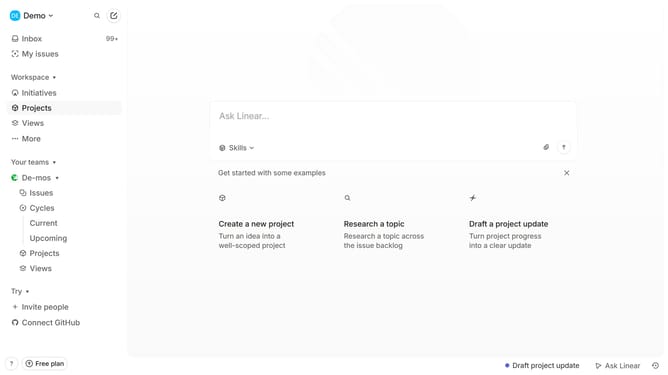
Here is how to disable cycles on linear
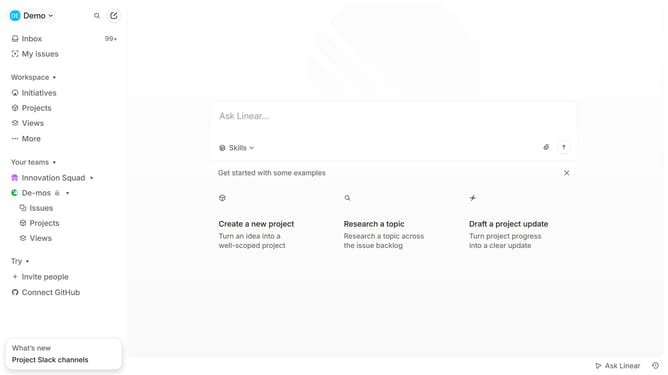
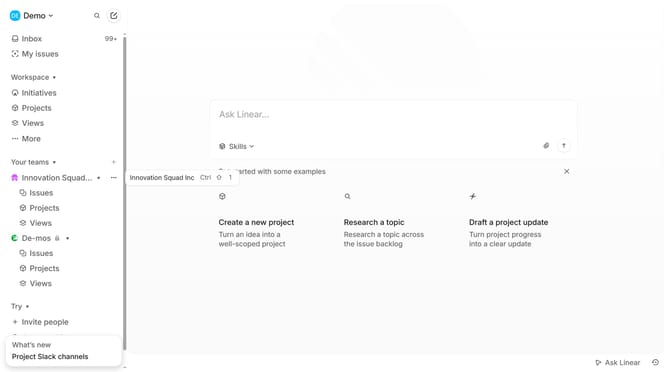
- First click on the three dots button across the team name that you want to manage
- Next click on "Team settings" option
- Then click on "Cycles" option in the sidebar
- After that click on the toggle to disable cycles
- Finally click on the "Disable" button to confirm
Why should you disable cycles on Linear
Linear is a sleek and efficient tool designed to streamline project management and team productivity.
Disabling cycles in Linear is a valuable feature for teams seeking flexibility in their workflow management. It allows your team to operate without the structured timelines typically associated with cycles.
This can be particularly beneficial when working on long-term projects or when your team prefers a more fluid and adaptive approach to task management. It encourages creativity and innovation by removing strict time constraints.
Ultimately, this feature enhances your team's ability to pivot and adapt, fostering an environment where productivity thrives without the limits of predefined cycles.
Last update