How to change a team icon in Linear
Here is how to change a team icon in linear
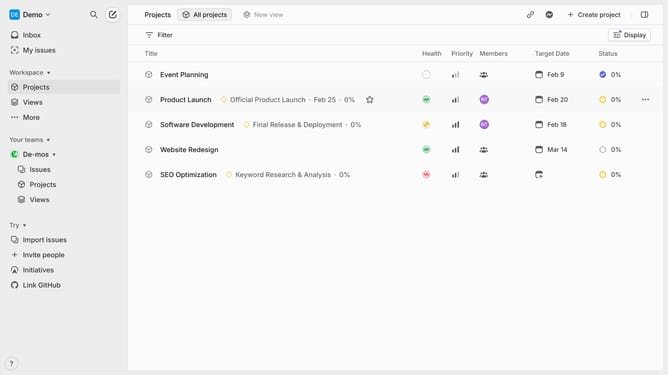
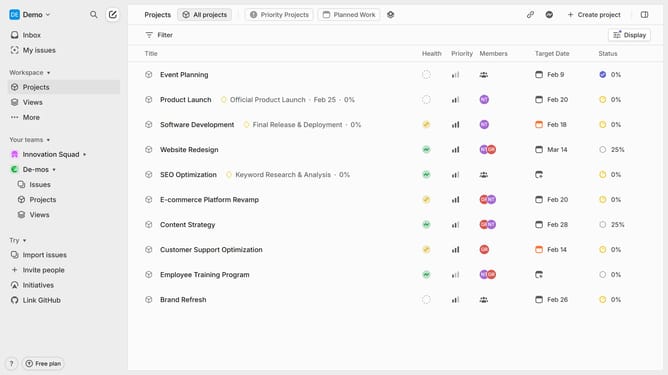
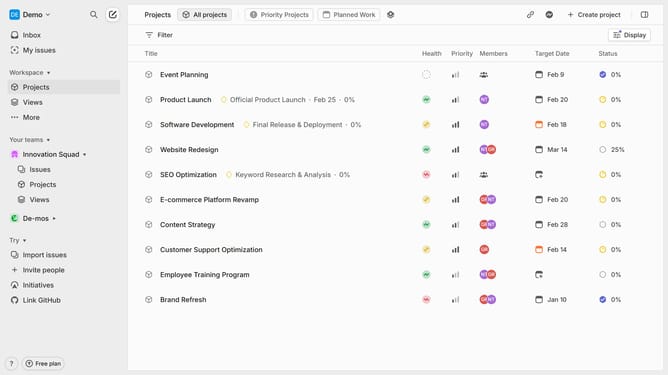
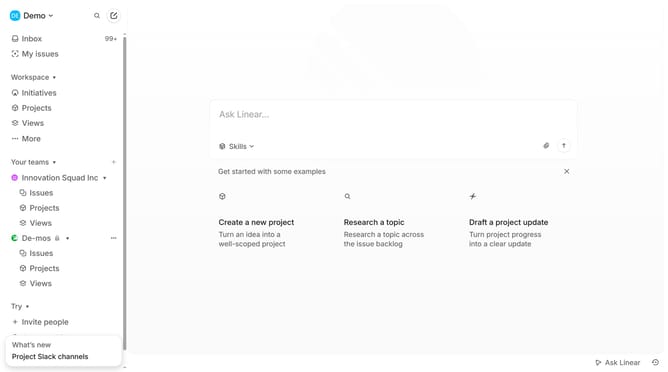
- First click on the three dots icon in the sidebar next to the team you want to manage
- Then click on "Team settings" in the revealed dropdown menu
- Next click on "General" from the team settings page
- Then click on the current team icon in the top left corner
- Finally select a new icon from the displayed emoji options
Why should you change a team icon in Linear
Linear is a robust project management tool designed to streamline workflows and enhance team productivity.
One of Linear's subtle yet impactful features is the ability to change a team icon. This feature allows teams to visually customize their workspace, creating a unique identity that aligns with team culture or project themes.
Having a distinct icon not only adds a personal touch but also aids in quickly differentiating between multiple teams, enhancing navigation and reducing confusion within the organization.
Last update