How to delete documents in a project on Linear
Here is how to delete documents in a project on linear
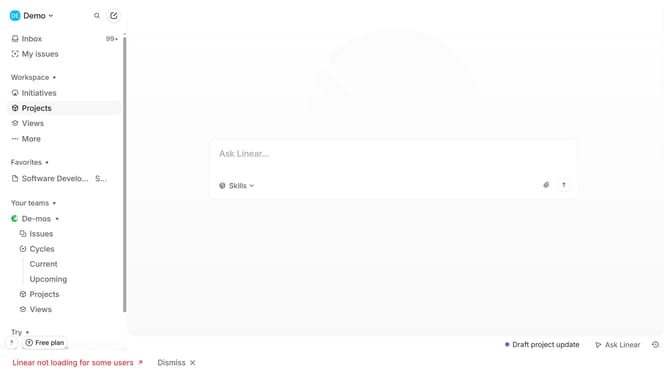
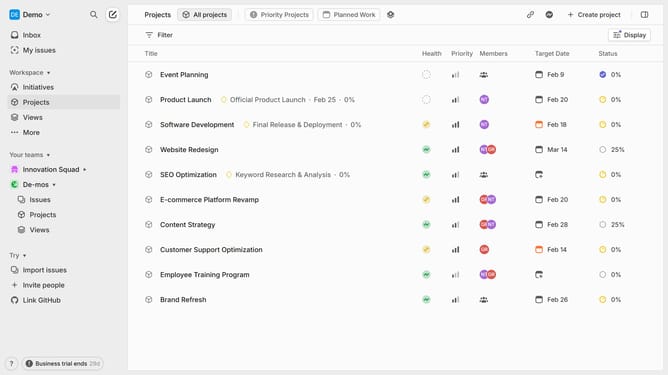
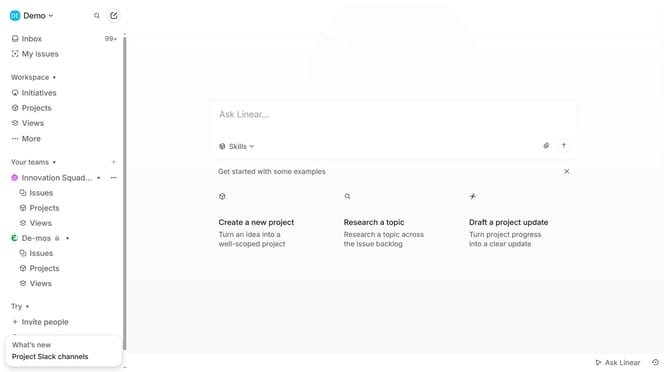
- First click on "Projects" item in the left sidebar
- Then click on project from the project list
- Next click on the document that you want to manage
- After that click on the three dots menu icon
- Then select "Delete" option from the dropdown menu
- Finally click on the "Delete" button to confirm the deletion
Why should you delete documents in a project on Linear
Linear is a modern tool designed to streamline project management with efficiency and precision.
One notable feature is its ability to manage and delete documents within a project seamlessly. This ensures that your workspace remains organized and clutter-free, enhancing focus and productivity.
Using this feature, teams can swiftly eliminate outdated or redundant files, maintaining a concise and relevant repository of project resources.
Ultimately, this simplifies project navigation, saving time and preventing potential confusion over unnecessary documents.
Last update