How to change issue status on Linear
Here is how to change issue status on linear
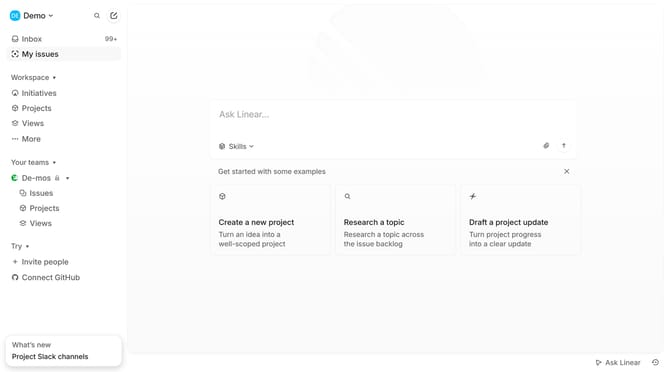
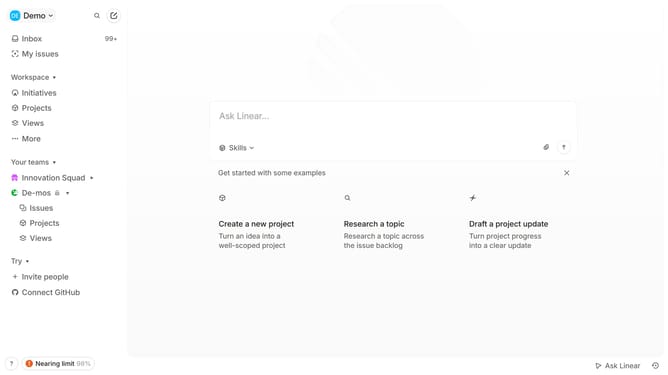
- First, from the left sidebar, click on "My issues" link
- Then click on the issue that you want to manage
- Next, in the right panel, click on the "Backlog" dropdown
- Finally, select "Todo" item from the dropdown list to set status
Why should you change issue status on Linear
Linear is an efficient tool designed to streamline the management of team projects and tasks.
Changing issue status on Linear is a simple yet powerful feature that enhances project visibility and tracking.
This feature enables teams to update the progress of their issues seamlessly, ensuring that everyone is informed and aligned.
Properly managing issue status helps improve workflow efficiency and keeps your team focused and productive.
Last update