How to disable mobile app notifications on Linear app mentions on Linear
Here is how to disable mobile app notifications on linear app mentions on linear
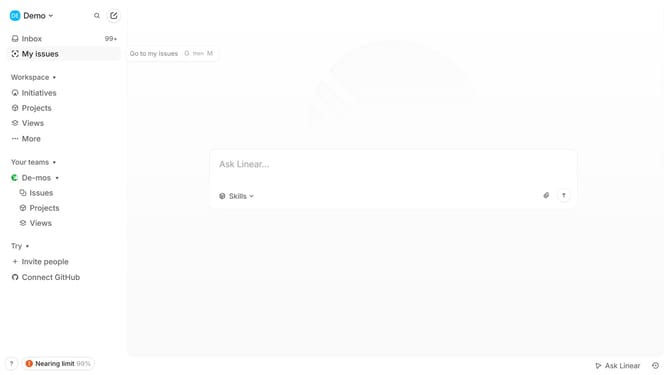
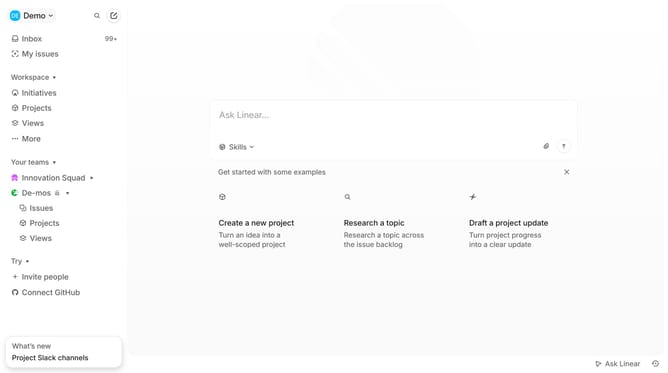
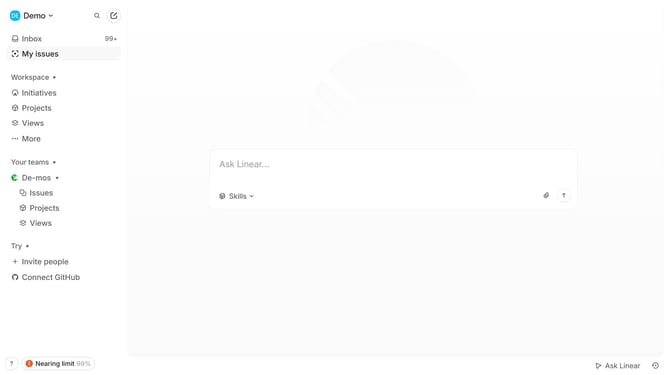
- First click on the dropdown menu labeled "Demo"
- Then click on the "Settings" option in the sidebar menu
- Next, click on the "Notifications" option in the sidebar menu
- Then click on the "Mobile" option under Notification channels
- Finally toggle off the switch for "Mentions"
Why should you disable mobile app notifications on Linear app mentions on Linear
Linear is a streamlined platform designed to enhance project management and workflow efficiency.
Disabling mobile app notifications for mentions on Linear is an effective way to maintain focus during critical tasks.
This feature empowers users to manage their attention, minimizing interruptions and boosting productivity.
Silencing notifications not only provides peace of mind but also enhances the overall user experience by offering greater control over your communication preferences.
Last update