How to assign a sub-issue on Linear
Here is how to assign a sub-issue on linear
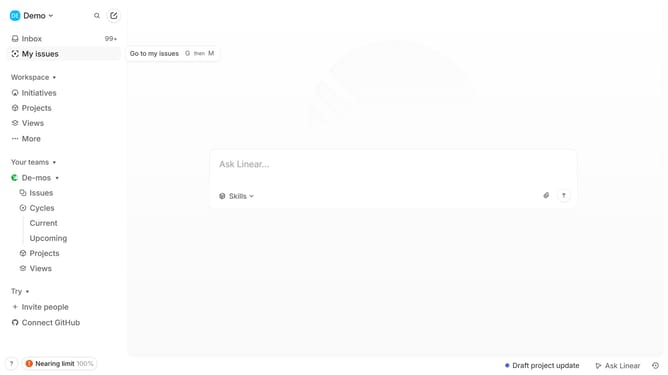
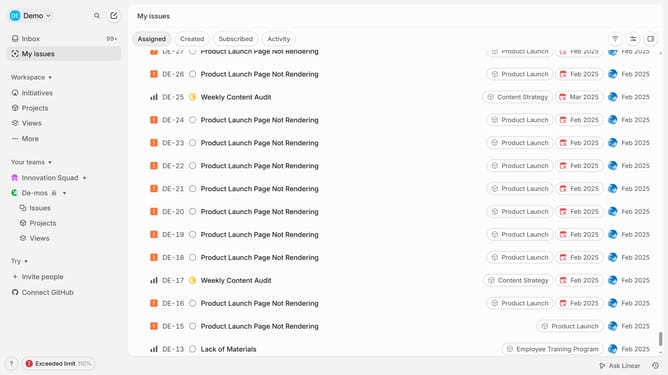
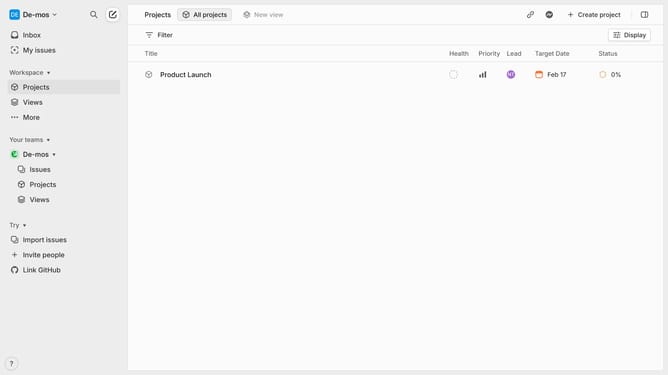
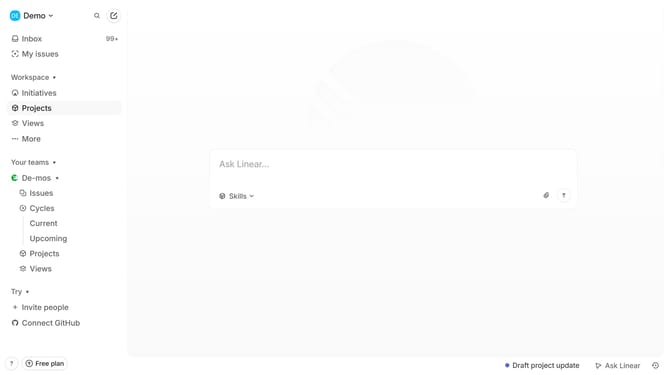
- First click on "My issues" in the left sidebar
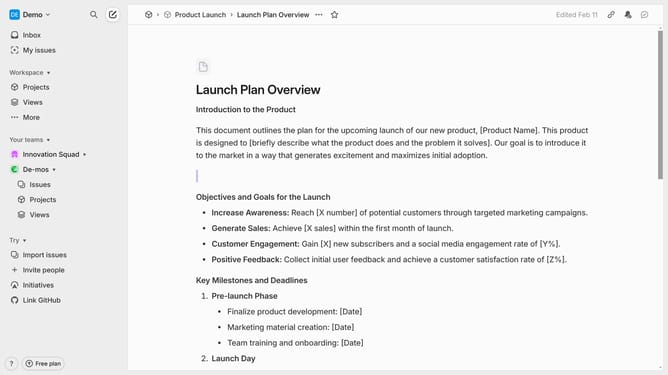
- Then click on the issue that you want to manage
- Next, right-click on the sub-issue
- Then click on "Assignee" from the pop up menu
- Finally, in the dropdown menu, select the name of the Assignee under the "Assign to" section
Why should you assign a sub-issue on Linear
Linear is a streamlined platform designed to facilitate agile project management with efficiency and ease.
By assigning a sub-issue in Linear, teams can break down complex tasks into smaller, manageable segments. This promotes better organization and enables team members to focus on specific parts, ensuring nothing gets overlooked.
Utilizing sub-issues not only improves workflow clarity but also boosts collaboration as tasks can be delegated to the right team members. This increases productivity by ensuring everyone is aligned and aware of their responsibilities.
Last update