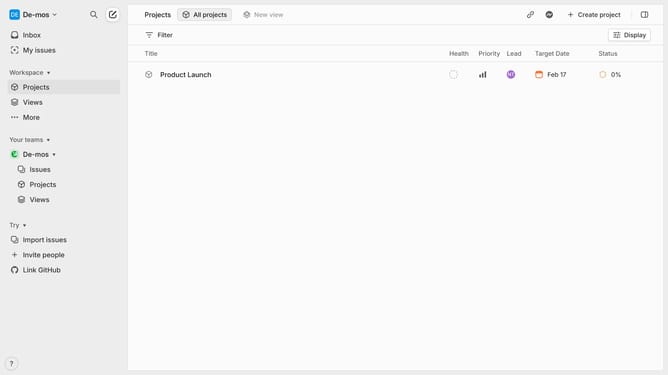
How to reply to an update in Linear
Here is how to reply to an update in linear
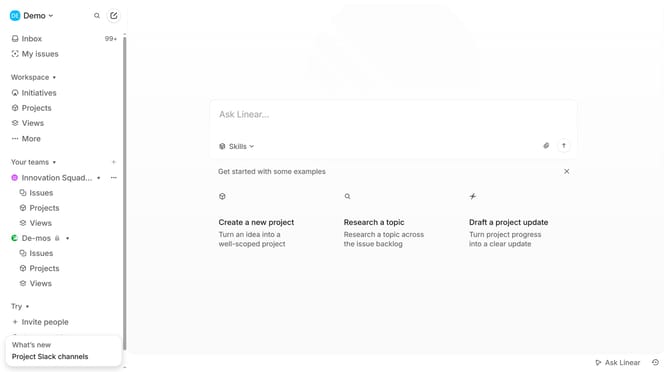
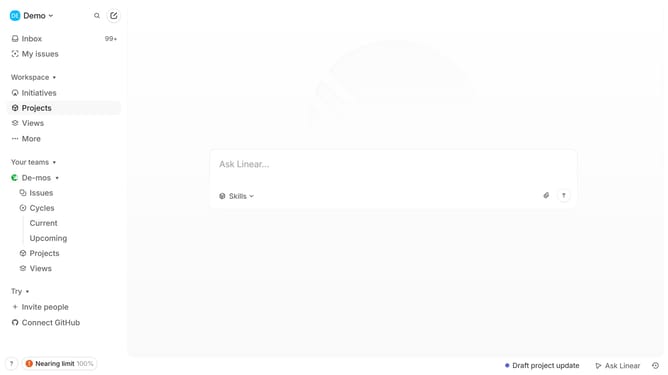
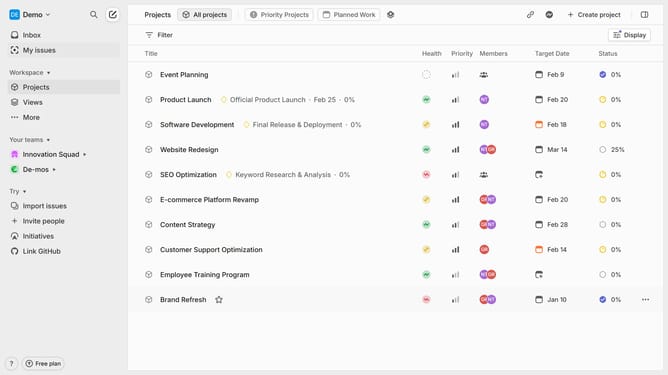
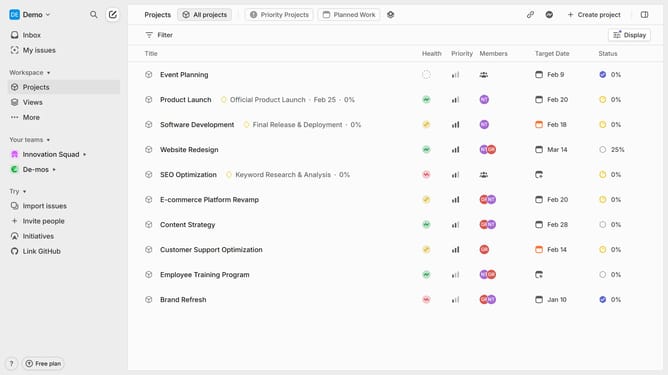
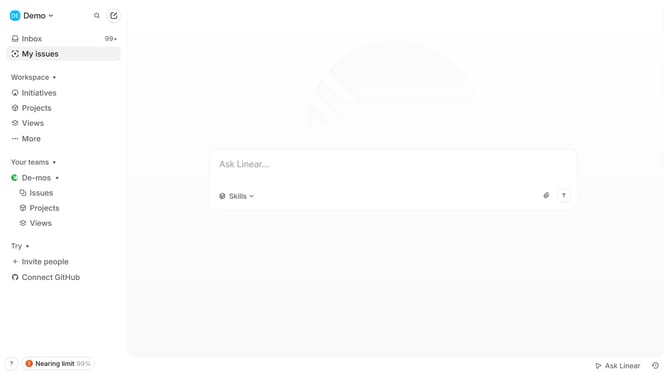
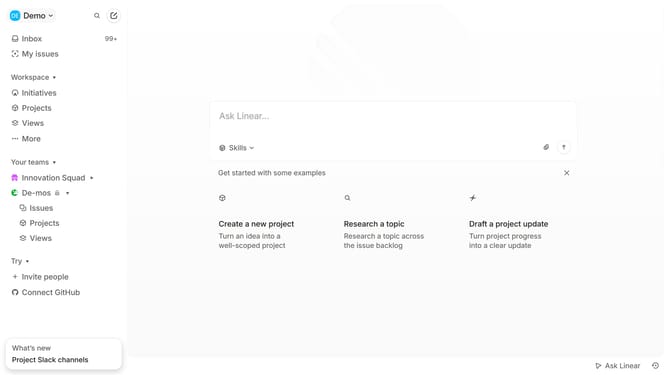
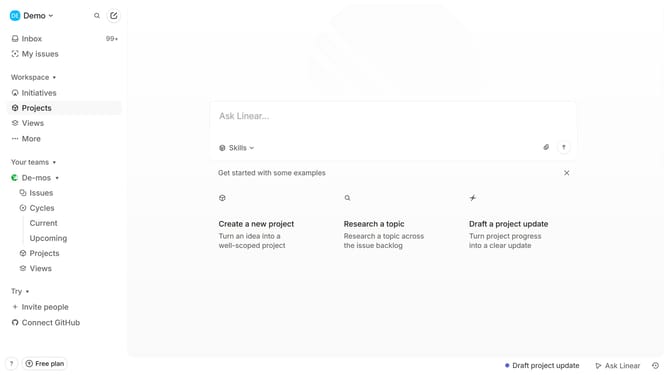
- First click on "Projects" link in the left sidebar
- Then click on the project name to open it
- Then click on the "Comment" icon
- Then click on the text field and type your reply
- Finally click on the "Send" button
Why should you reply to an update in Linear
Linear is a streamlined project management tool designed to enhance team productivity by simplifying workflows.
When you reply to an update in Linear, you foster effective communication and collaboration among team members.
This feature instantly brings everyone onto the same page, ensuring no crucial detail is overlooked and promoting swift decision-making.
By keeping conversations organized and accessible, Linear empowers teams to maintain focus and momentum on their projects.
Last update