How to enable email notifications for updates in Linear
Here is how to enable email notifications for updates in linear
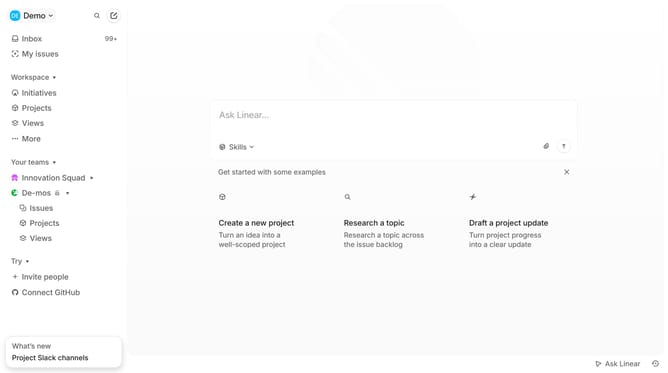
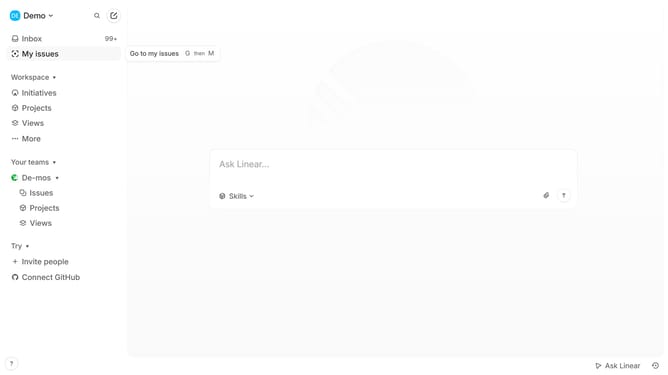
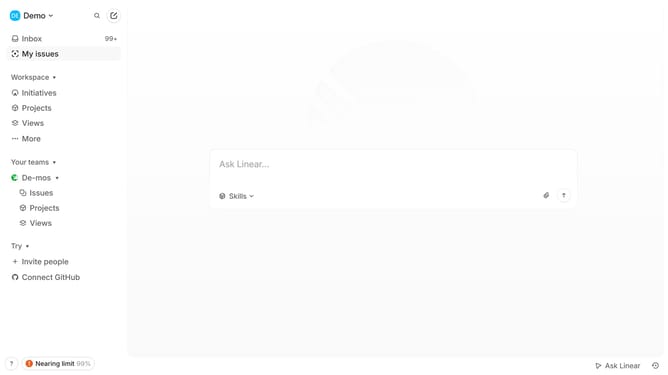
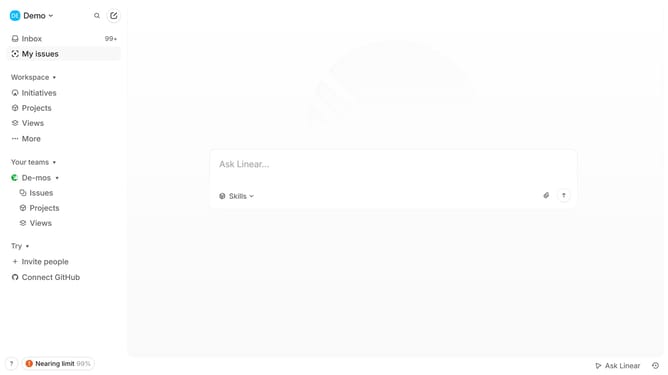
- First click on the "Demo" dropdown in the header
- Then click on "Settings" in the dropdown menu
- Next, click on "Notifications" in the left sidebar
- Then click on "Email" to expand the email notification settings
- Finally, toggle the switch for "Updates" to enable it
Why should you enable email notifications for updates in Linear
Linear is a cutting-edge tool designed to streamline project management and boost team productivity.
Enabling email notifications for updates in Linear is a simple way to stay informed without constantly checking the platform. By activating this feature, you ensure that you're promptly alerted to changes, keeping projects on track and reducing the risk of missing critical updates.
This not only enhances your response time but also fosters improved communication within your team. Embrace the convenience of staying effortlessly connected with Linear's email notifications.
Last update