How to mark a view as favorite on Linear
Here is how to mark a view as favorite on linear
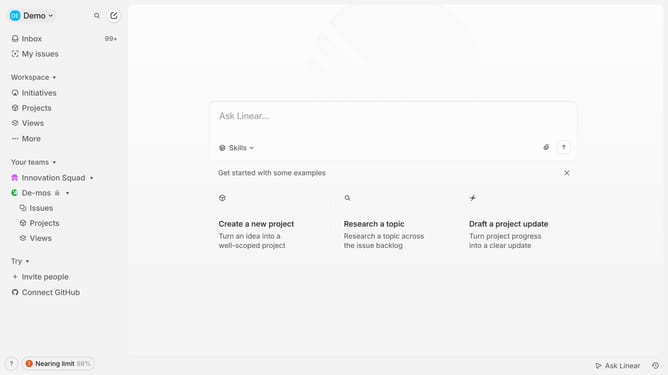
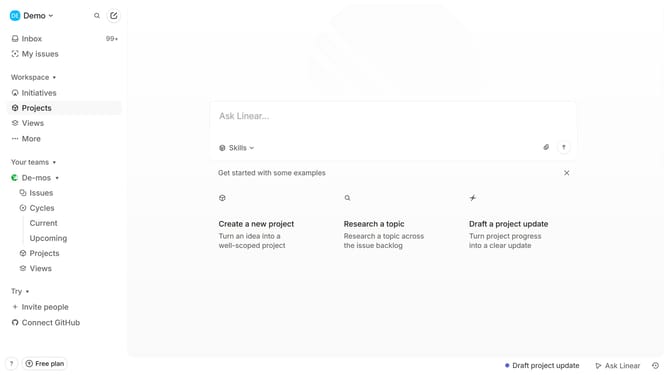
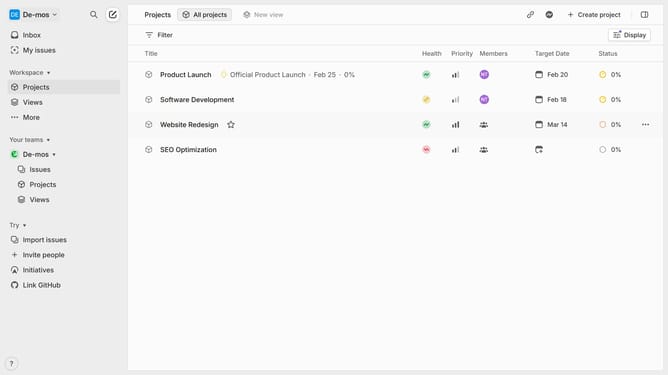
- First click on "Views" in the left sidebar
- Then click on the view that you want to manage
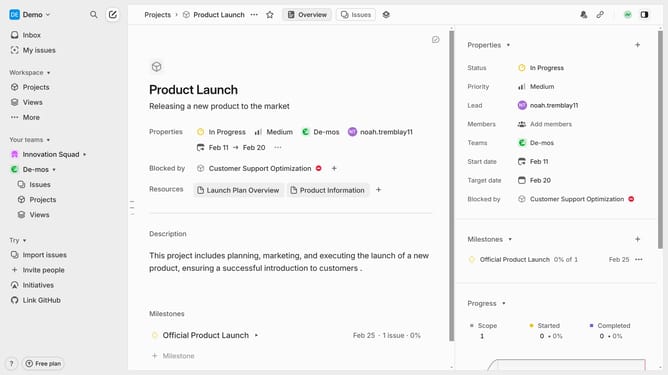
- Finally click on the "star" icon in the header
Why should you mark a view as favorite on Linear
Linear is an intuitive project management tool designed to streamline team workflows and enhance productivity.
Marking a view as a favorite on Linear empowers users to quickly access their most important and frequently used layouts. This feature is seamlessly integrated to allow personalization and efficiency in navigating through various project details.
By customizing which views are marked as favorite, teams can save time and maintain focus on priority tasks. This practical approach supports a more organized workflow and ensures critical information is always at your fingertips.
Last update