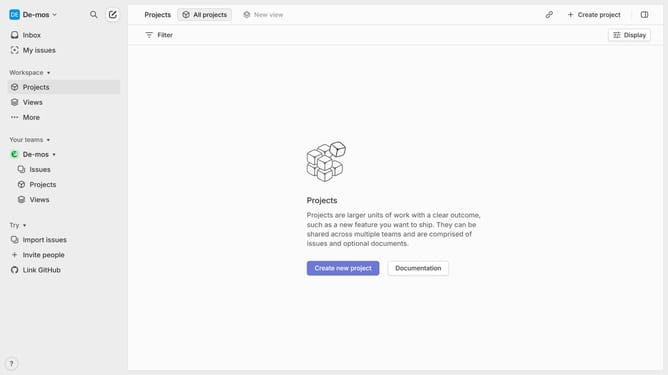
How to set status of sub-issues on Linear
Here is how to set status of sub-issues on linear
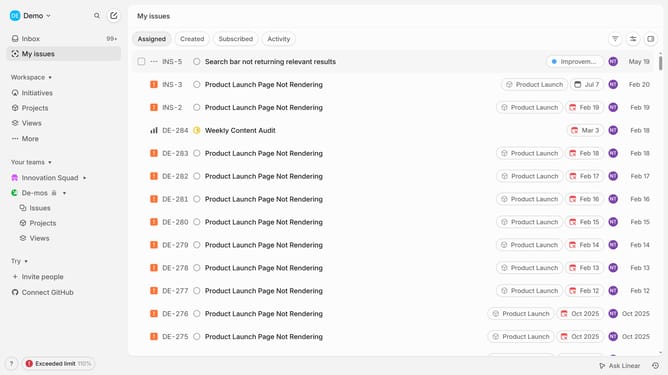
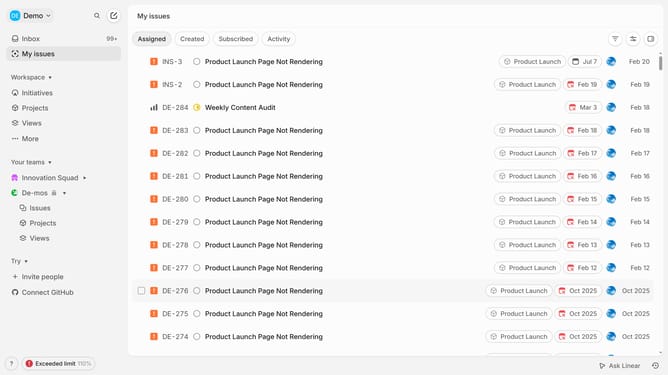
- First click on "My issues" in the sidebar
- Then click on the issue that you want to manage
- Next, click on the sub-issue to open it
- After that, click on the "Todo" radio button in the Properties panel
- Finally, select from the "Change status" dropdown list
Why should you set status of sub-issues on Linear
Linear is a cutting-edge project management tool designed for agile teams to streamline their workflow and boost productivity.
Managing sub-issues effectively is crucial on Linear, and setting their status keeps your projects transparent and organized.
By updating sub-issue statuses, teams gain clarity on task progress, which enhances collaboration and prevents bottlenecks.
This feature ensures that everyone is on the same page, making the overall project management process smoother and more efficient.
Last update