How to add checklist in tables within project documents in Linear
Here is how to add checklist in tables within project documents in linear
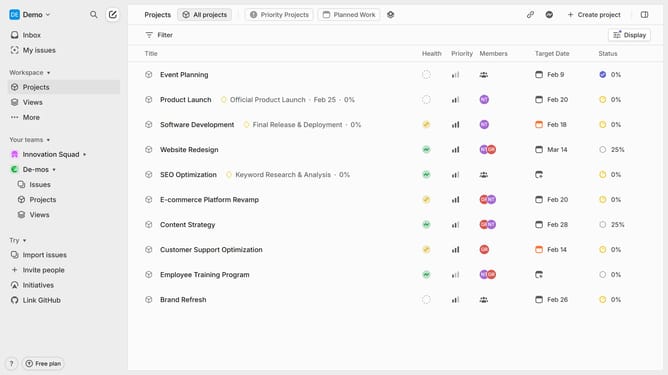
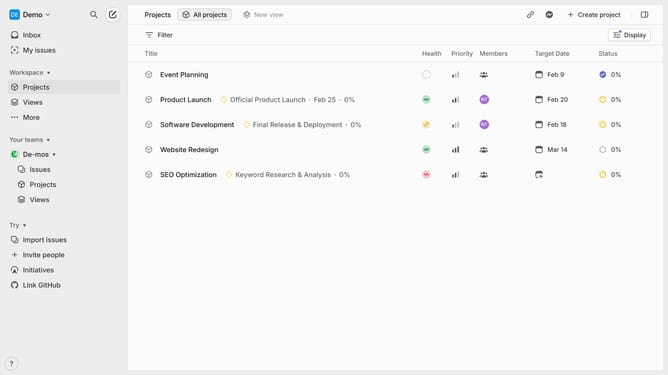
- First click on "Projects" item in the left sidebar
- Then click on a project in the list 3, Next, click on the document link under the "Resources" section
- After that, click and highlight the words that you want to manage
- Then click on the list icon dropdown in the toolbar
- Finally select "Checklist" from the dropdown menu
Why should you add checklist in tables within project documents in Linear
Linear is a streamlined tool designed to enhance project management efficiency for teams.
Integrating checklists within tables in project documents on Linear provides a structured way to track progress and manage tasks.
This feature allows team members to visually organize tasks, ensuring nothing gets overlooked and all steps are accounted for efficiently.
By embedding checklists directly into tables, teams can seamlessly update and track task statuses, fostering a deeper understanding of project flow.
The integrated checklist feature simplifies complex projects by breaking them into manageable, visible components, enhancing productivity and clarity.
It provides a centralized spot where everyone understands task assignments, deadlines, and progress without toggling between multiple tools.
This enhancement not only streamlines workflow but also cultivates accountability and collaboration, aligning the team toward common objectives.