How to remove images to documents in a project on Linear
Here is how to remove images to documents in a project on linear
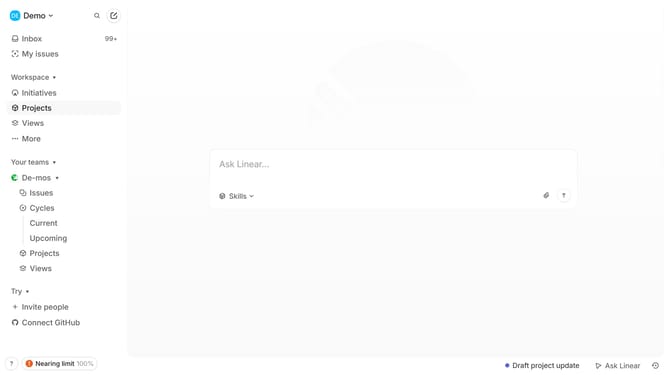
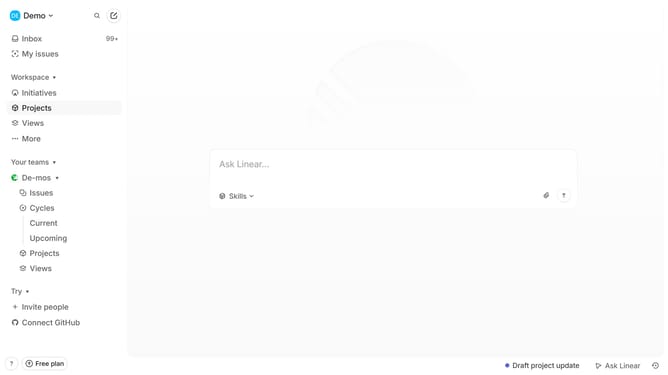
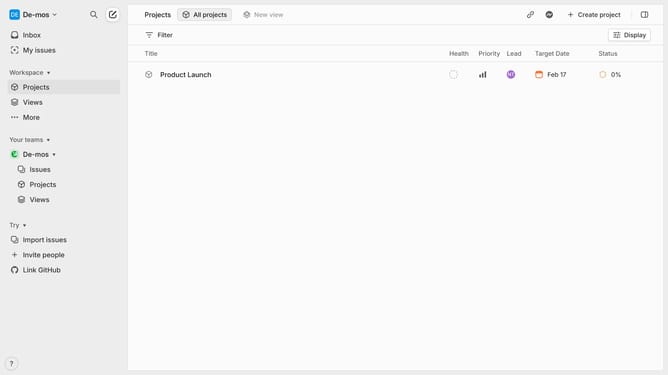
- First click on "Projects" item in the left sidebar
- Then click on project in the main content area
- Next, click on the document link under Resources
- Then click on the displayed image
- Finally click on the "Delete" button
Why should you remove images to documents in a project on Linear
Linear is an agile project management tool designed to streamline your workflow and boost team productivity.
Removing images from documents in a Linear project can significantly enhance document clarity and manageability.
This feature helps maintain a focus on critical information by eliminating unnecessary visuals, reducing file size, and ensuring that content remains cohesive and easy to navigate.
Using this feature allows teams to keep documents streamlined and well-organized, fostering a more productive and efficient environment.
Last update