How to delete projects on Linear
Here is how to delete projects on linear
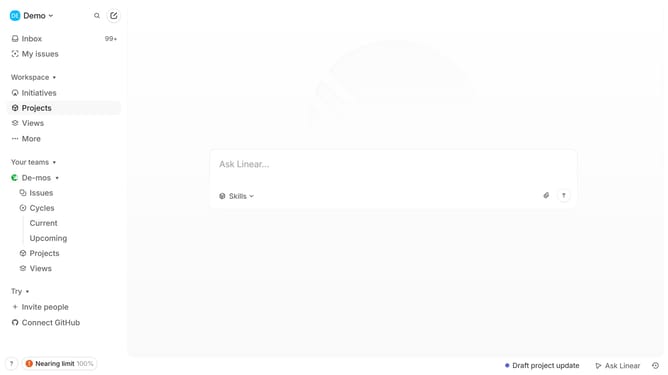
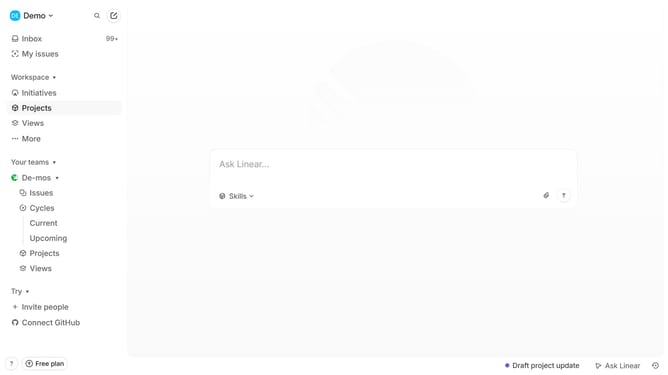
- First go to your workspace and navigate to "Projects" from the left sidebar
- Then select the project you want to delete and click on the three dots (...) for more options
- In the dropdown menu, click on the "Delete" option
- A confirmation dialog will appear, click "Delete" to confirm
- The project will move to Recently Deleted and can be restored within 14 days
Why should you delete projects on Linear
Linear is a streamlined tool designed to enhance your project's workflow efficiency with precision.
The ability to delete projects in Linear provides a seamless way to manage and declutter your project list.
This feature ensures your workspace remains organized by allowing you to remove outdated or completed projects effortlessly.
By regularly deleting unnecessary projects, you can maintain focus on active tasks, enhancing overall productivity and team collaboration.
Last update