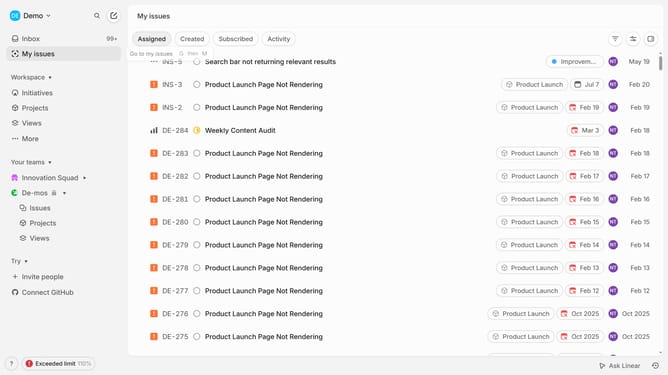
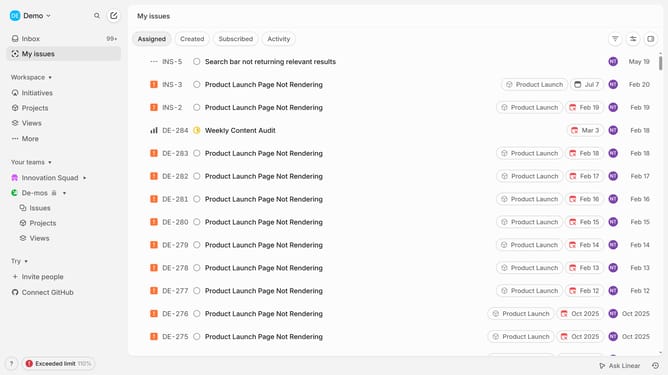
How to disable mobile app notifications on Linear app assignments on Linear
Here is how to disable mobile app notifications on linear app assignments on linear
- First click on the "Demo" dropdown in the header
- Then click on "Settings" in the sidebar
- Next, click on "Notifications" in the sidebar
- Then select "Mobile" in the notification channels section
- Finally, toggle OFF on the switch for "Assignments" in the general notifications section
Why should you disable mobile app notifications on Linear app assignments on Linear
Linear is an innovative tool designed to streamline your workflow through efficient project management and task tracking.
By learning how to disable mobile app notifications on Linear app assignments, you gain control over your focus and productivity.
Silencing these notifications can significantly reduce distractions, enabling you to dedicate uninterrupted time to high-priority tasks and achieve a more seamless workflow.
This feature is particularly beneficial for maintaining mental clarity and fostering a peaceful work environment, ultimately enhancing your overall efficiency.
Last update