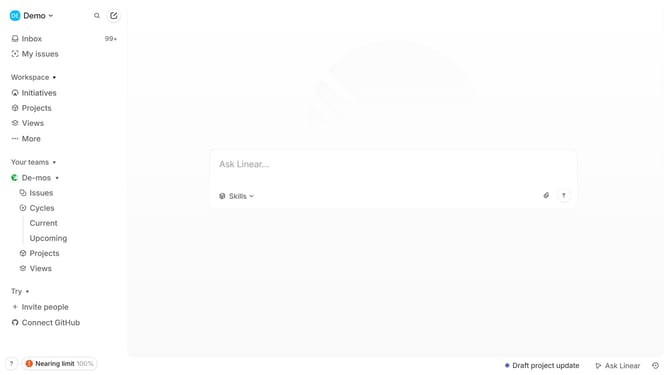
How to unfavorite documents in a project on Linear
Here is how to unfavorite documents in a project on linear
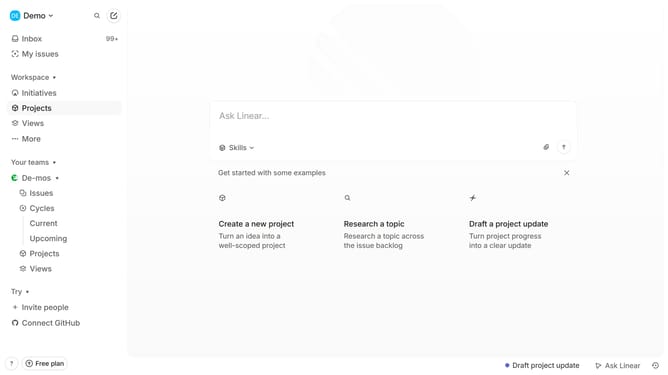
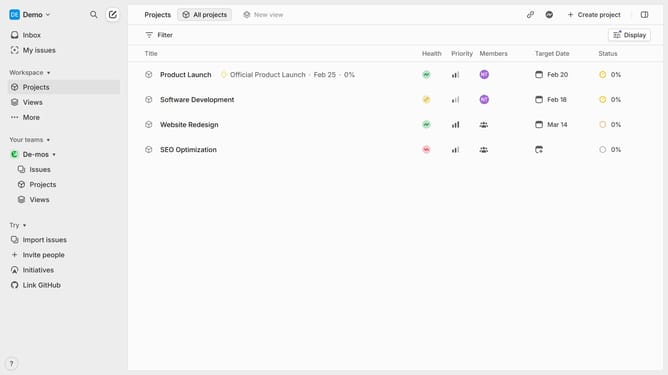
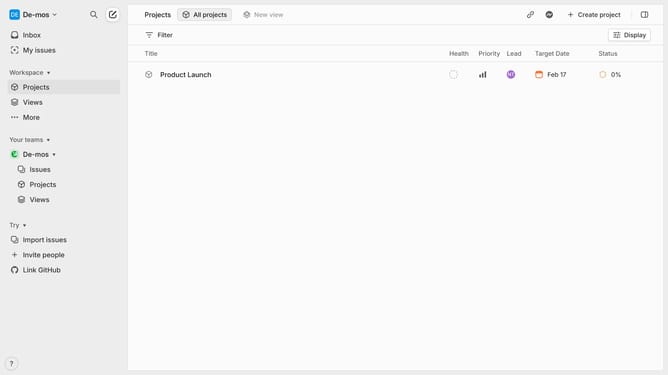
- First click on "Projects" item in the left sidebar
- Then click on a project in the list of projects
- Then click on the document in the Resources section
- Then click on the three dots icon to open the menu
- Finally click on "Unfavorite" option in the menu
Why should you unfavorite documents in a project on Linear
Linear is a streamlined project management tool designed to simplify task tracking and team collaboration.
Unfavoriting documents in a project on Linear is a feature that empowers users to declutter their workspace. It allows teams to focus only on the most relevant and currently needed documents, enhancing productivity and reducing distractions.
By unfavoriting documents, users can maintain a tidy and efficient environment. This not only helps in organizing tasks better but also ensures easy navigation, making it simpler to access the documents that truly matter.
Last update