How to create document templates in a project on Linear
Here is how to create document templates in a project on linear
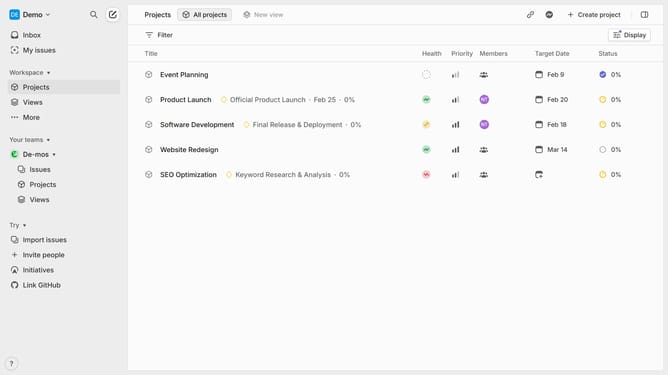
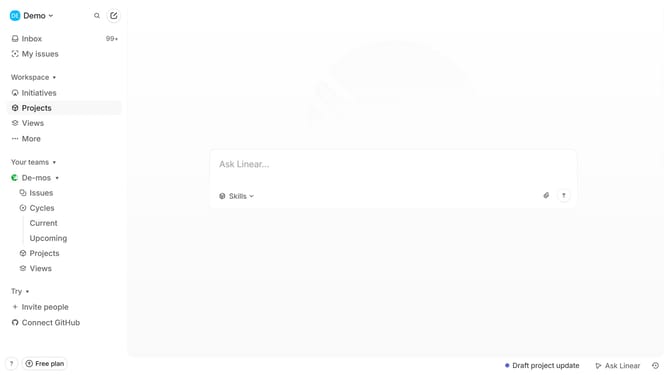
- First, navigate to your workspace and click "Projects" in the left sidebar
- Then, open the project where you want to create the template
- In the project overview page, click "+ Document or Link" next to Resources
- Next, select "Create document" from the menu
- Now enter a title and add the structure or placeholders for your template
- Format the document using headers, lists, and sections as needed
- Your template will be successfully created and listed under Resources
Why should you create document templates in a project on Linear
Linear is an agile project management tool designed to streamline workflows and enhance team productivity.
Creating document templates within Linear streamlines project processes by standardizing documentation, reducing redundant tasks, and ensuring consistency across projects.
This feature allows teams to focus on what truly matters by eliminating repetitive documentation processes, boosting efficiency, and maintaining high-quality output.
Leveraging document templates in Linear ultimately enhances coordination, making project management more efficient and effective.
Last update