How to mention users in documents on a project on Linear
Here is how to mention users in documents on a project on linear
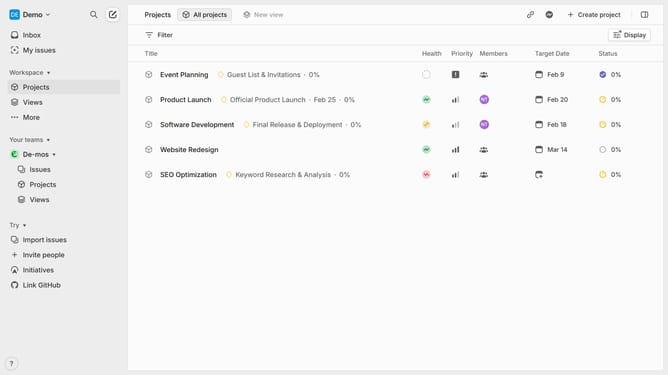
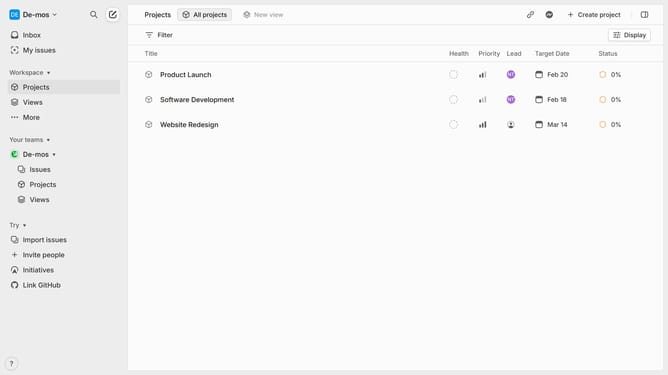
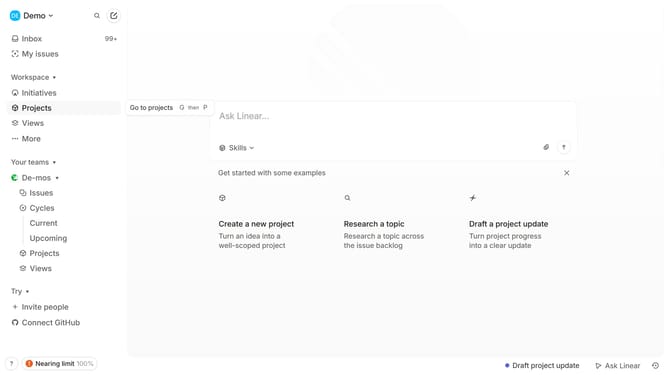
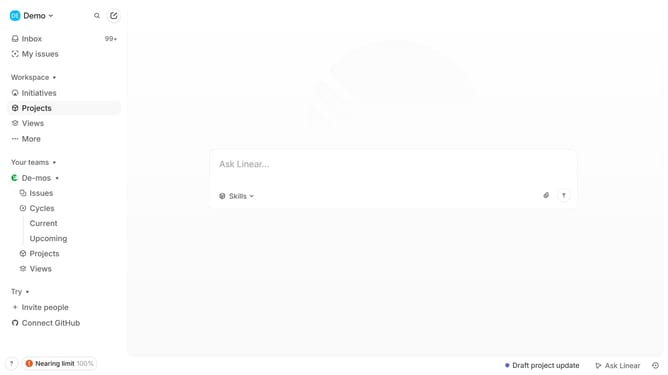
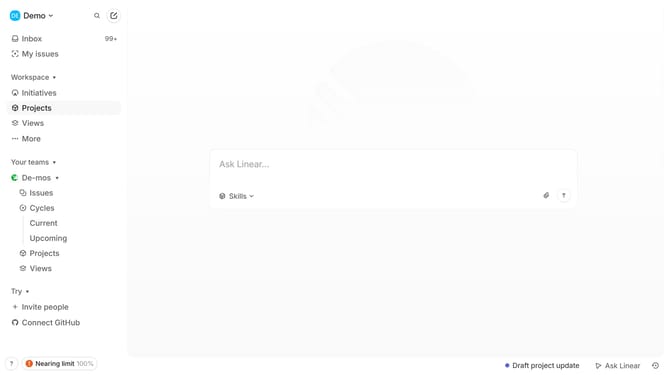
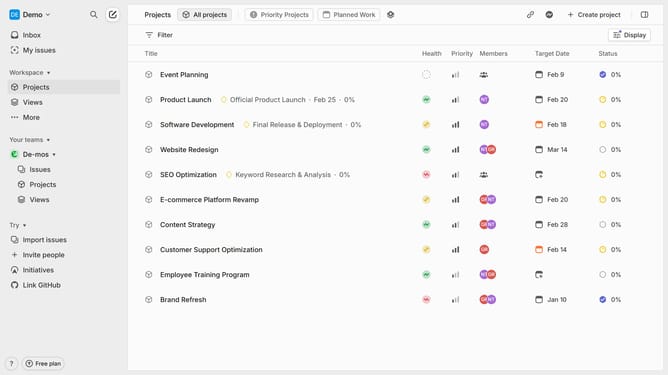
- First click on "Projects" item in the sidebar
- Then click on a project in the main content
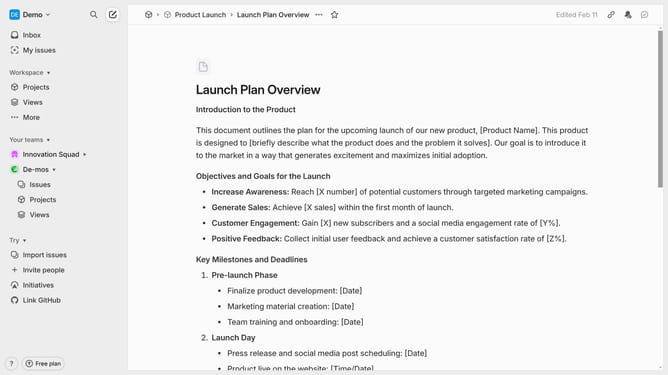
- Next click on the document from the resource link
- Then click on the text input field and type @ followed by the user’s name
- Finally select the correct user from the suggestion list
Why should you mention users in documents on a project on Linear
Linear is a streamlined tool designed for utmost efficiency in team project management.
By mentioning users directly within documents on Linear, teams can foster clear and direct communication. This feature allows collaborators to get instant attention on critical topics.
Using mentions enhances collaboration by ensuring that relevant team members are immediately looped into discussions or updates. This results in quicker decision-making and a more coherent workflow.
Incorporating user mentions keeps everyone in sync, reducing misunderstandings and enhancing productivity across the board.
Last update