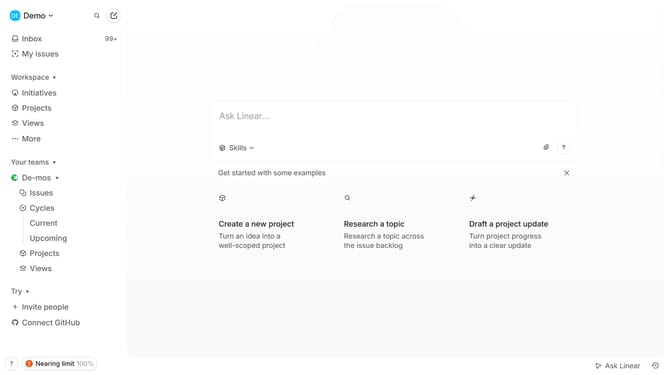
How to set your linear app default home view in Linear
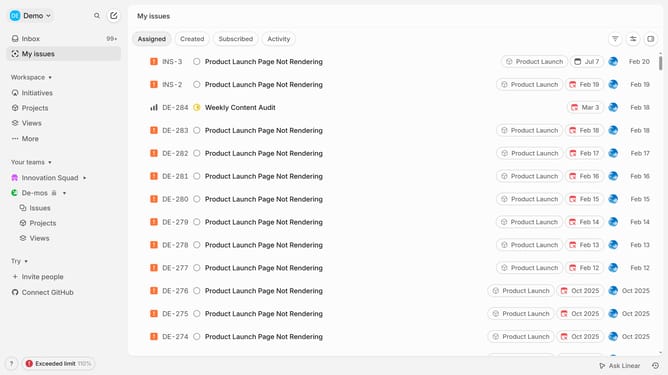
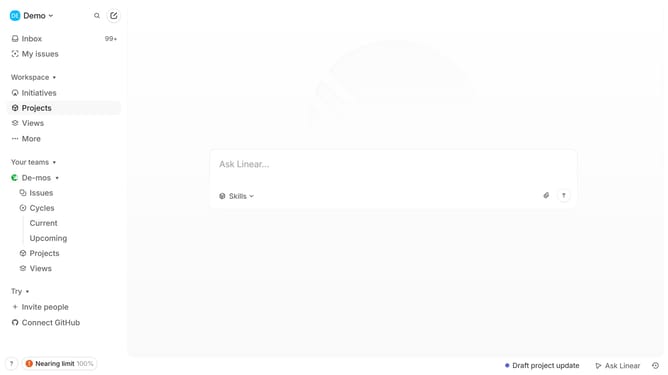
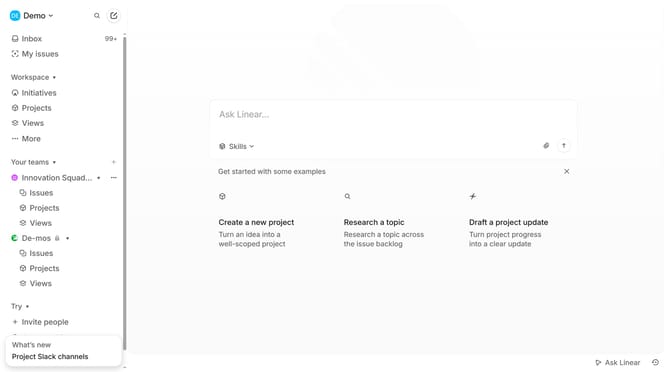
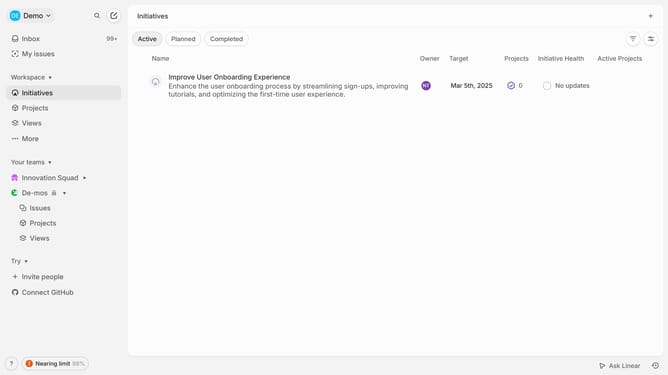
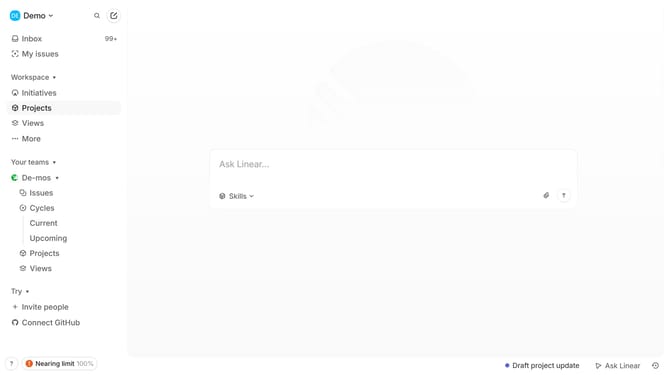
Here is how to set your linear app default home view in linear
- First click on the "Demo" dropdown in the header
- Then click on "Settings" in the sidebar
- Next, click on "Preferences" in the sidebar
- Then click on the "All issues" dropdown
- Finally, select a default home view from the dropdown menu
Why should you set your linear app default home view in Linear
Linear is a streamlined tool designed to enhance team productivity and project management.
Setting your default home view in Linear can revolutionize your workflow. This feature ensures that every time you open the app, you're instantly greeted by the most relevant and crucial information tailored to your needs.
This personalized approach means less time clicking around and more time focusing on what truly matters—efficiency and task completion.
By tailoring the home view, you create a workspace that speaks directly to your priorities, ultimately enhancing your organizational effectiveness.
Last update