How to disconnect Zapier to Linear
Here is how to disconnect zapier to linear
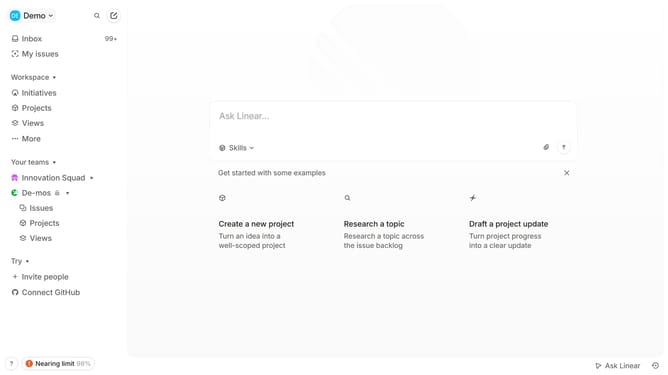
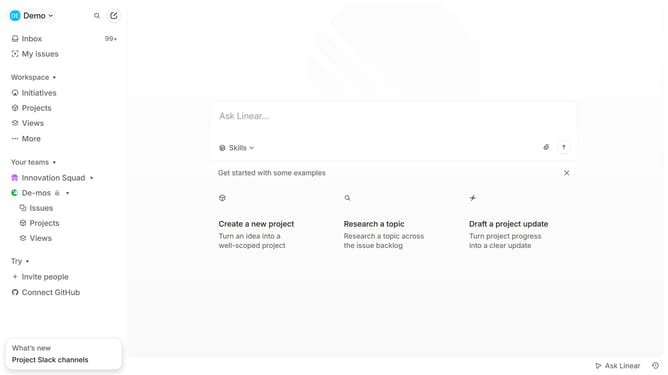
- First click on the "Demo" dropdown in the header
- Then click on "Settings" in the sidebar menu
- Then click on "Integrations" in the sidebar menu
- Then click on the "Zapier" integration in the main content area
- Then click on the three dots icon next to "Go to app" in the Zapier integration details
- Then click on the "Revoke access" button
- Finally click on the "Revoke" button in the confirmation dialog
Why should you disconnect Zapier to Linear
Linear is an intuitive project management tool designed to streamline workflows and enhance productivity for teams.
Disconnecting Zapier from Linear is a feature that allows users to temporarily pause or completely remove automated workflows between the two applications. This feature is particularly useful for users who wish to reassess their automation processes without disrupting their current project management setup.
By disconnecting Zapier from Linear, teams can ensure a seamless adjustment to existing processes, offering the flexibility to adapt and enhance operational efficiency as needs change.
Last update