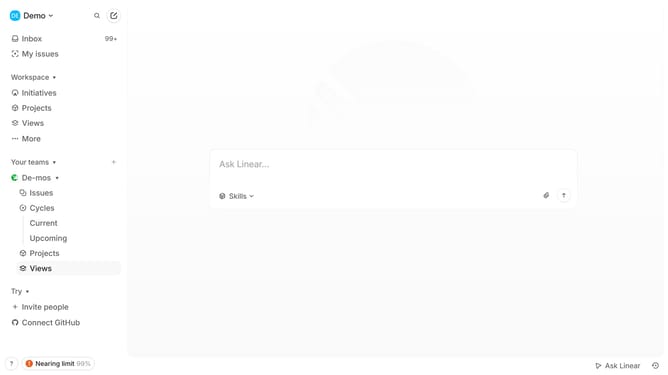
How to enable mobile app notifications on Linear
Here is how to enable mobile app notifications on linear
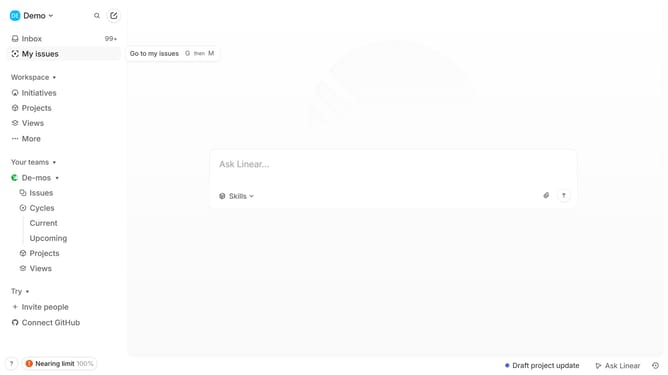
- First, click on the "Demo" dropdown in the header
- Then, click on the "Settings" option in the opened dropdown menu
- Next, click on the "Notifications" option in the sidebar
- Then, click on the "Mobile" option in the "Notification channels" section
- Finally, click on the toggle switch to enable mobile notifications
Why should you enable mobile app notifications on Linear
Linear is a streamlined project management tool that helps teams work more efficiently by tracking tasks and projects effortlessly.
Enabling mobile app notifications on Linear ensures you never miss an important update, even when you’re on the go. This feature keeps you connected and informed, enhancing team communication and project productivity.
Staying updated with timely notifications can significantly improve your response time to tasks, allowing for immediate action and quicker resolutions. This seamless connectivity aids in maintaining workflow momentum.
Last update