How to delete a project on Linear
Here is how to delete a project on linear
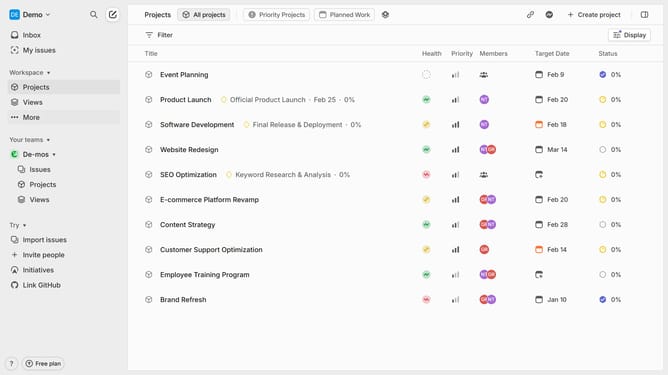
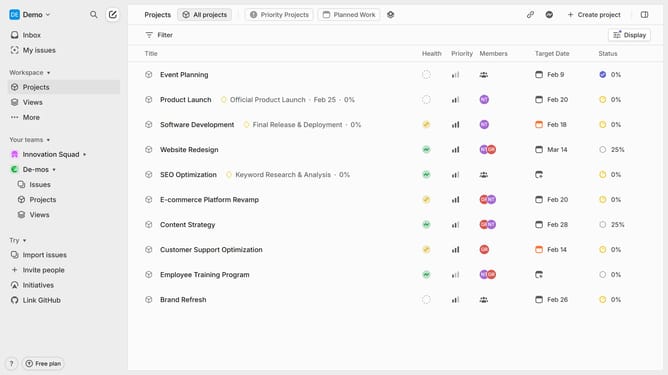
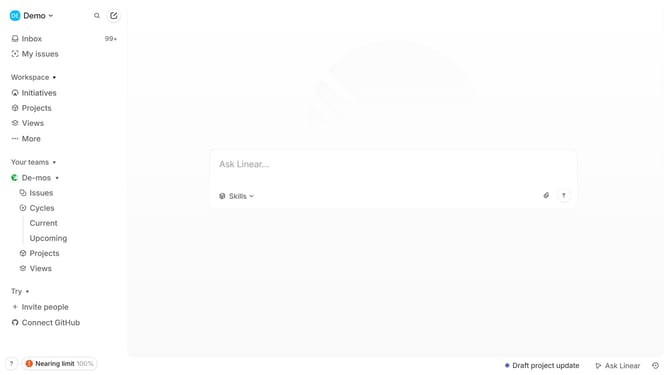
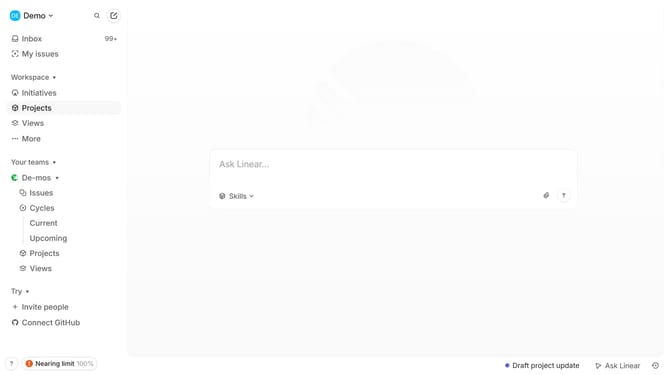
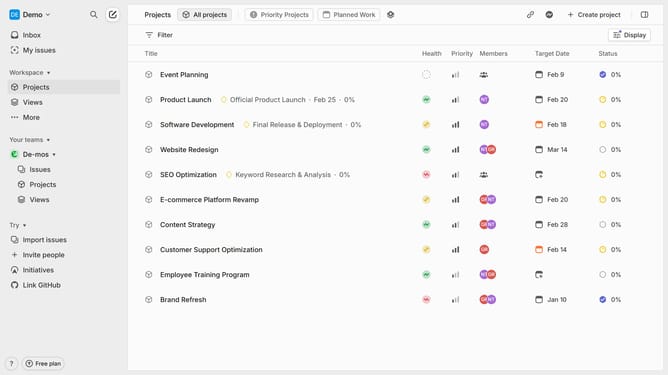
- First, click "Projects" in the left sidebar to navigate to the projects section
- Then select the project you want to delete and click on the three-dot menu (...)
- Click on the "Delete" option In the dropdown menu
- A confirmation dialog will appear, click "Delete" to confirm
- You have successfully deleted the project. It can be restored within 14 days before being permanently removed
Why should you delete a project on Linear
Linear is a sleek project management tool designed to streamline your workflow.
Deleting a project in Linear is simple and lets you maintain a clutter-free workspace, helping you focus on what truly matters.
This feature offers the flexibility to remove outdated or completed projects, ensuring your team's priorities are always up-to-date.
Keeping Linear organized enhances productivity, as your team invests energy in current tasks without being distracted by legacy content.
Last update