How to add project status on Linear
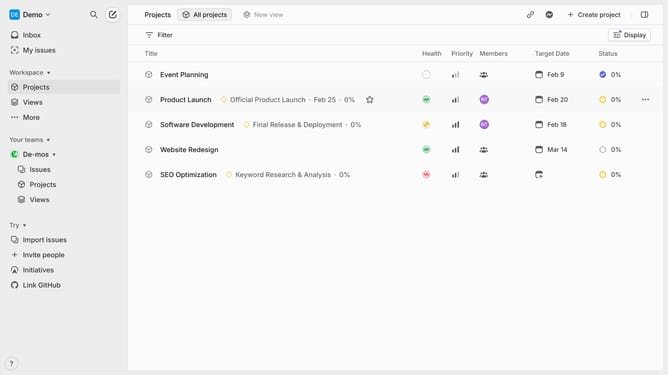
Here is how to add project status on linear
- First click on the "Demo" dropdown in the header
- Then click on "Settings" option from the dropdown menu
- Then click on "Statuses" option in the left sidebar
- Next, click on the "+" button to add a new status
- Then enter "Name" for the new status
- Finally click on the "Create" button
Why should you add project status on Linear
Linear is a streamlined project management tool designed to enhance productivity and streamline workflows.
One of Linear's standout features is the ability to add project statuses seamlessly. This feature ensures that every team member stays updated on the progress, fostering better communication and collaboration.
Adding project statuses keeps everyone aligned, offering transparent insights into each project's current phase. This clarity leads to improved decision-making and efficiency, enabling teams to prioritize tasks efficiently. Experience the benefits of organized project management with Linear's intuitive interface.
Last update