How to set reminders on documents in a project on Linear
Here is how to set reminders on documents in a project on linear
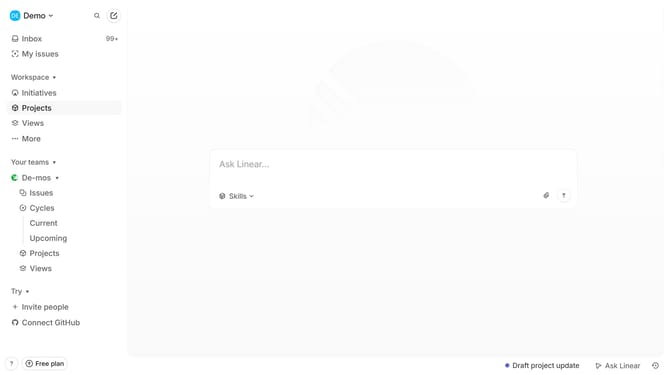
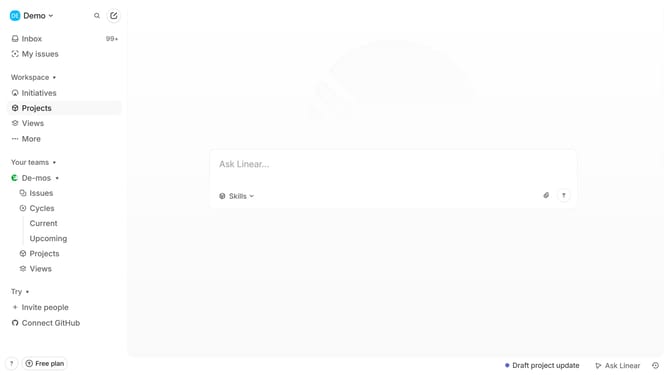
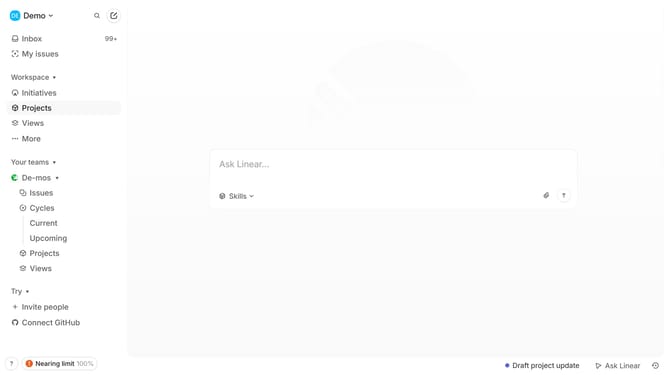
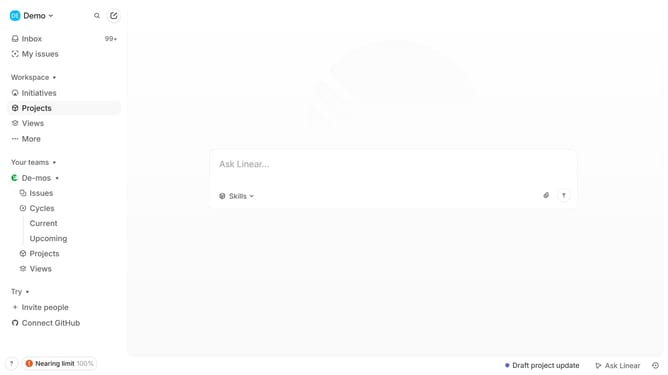
- First click on "Projects" item in the left sidebar
- Then click on a project in the main view
- Then click on the document that you want to manage
- Then click on the three dots button
- Then click on the "Remind me" option
- Finally select a time period from the reminder menu
Why should you set reminders on documents in a project on Linear
Linear is an intuitive project management tool designed to streamline team workflows and boost productivity.
Setting reminders on documents in a project on Linear ensures that critical tasks never fall through the cracks.
This feature helps teams stay on track by enabling timely follow-ups, which is essential for maintaining project momentum.
With clear reminders, teams can focus on delivering quality work while reducing stress, ultimately enhancing overall efficiency and productivity.
Last update