How to change project icons on Linear
Here is how to change project icons on linear
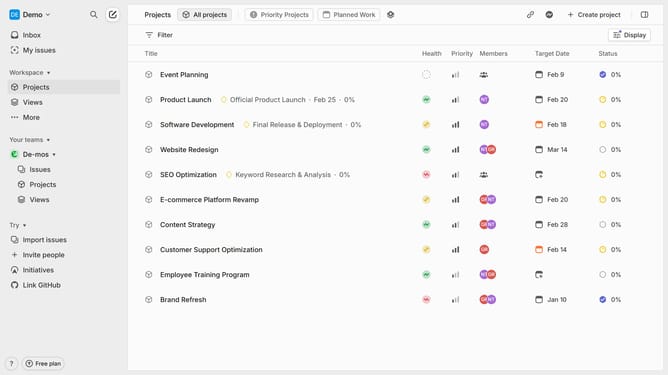
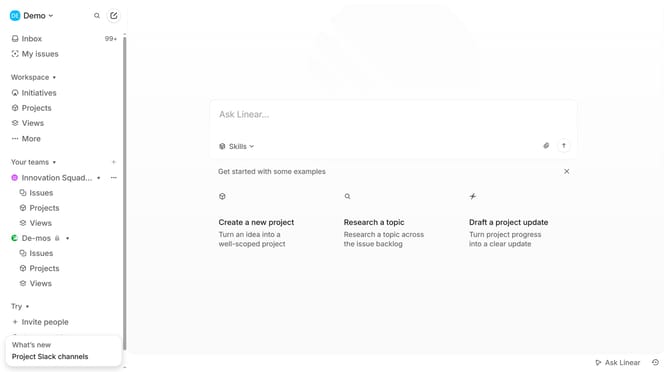
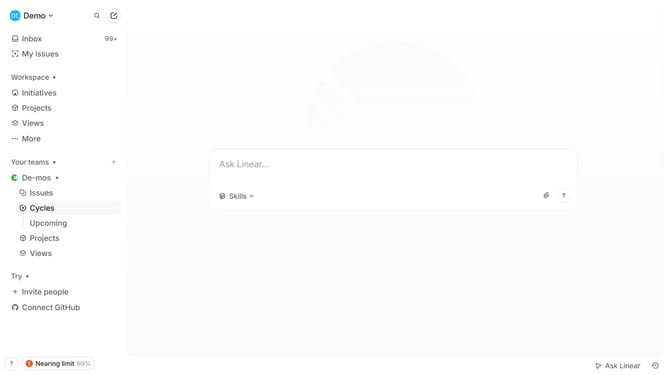
- First, click on the "Projects" item in the left sidebar
- Then, click on the project in the main content area
- Next, click on the current icon
- After that, select a color circle icon from the available options
- Finally, choose an icon
Why should you change project icons on Linear
Linear is a streamlined tool designed to help teams manage and track their projects with efficiency and clarity.
One of its standout features is the ability to change project icons, offering a visual way to differentiate and organize various projects.
Using this feature not only adds a touch of personalization but also enhances quick identification, making it easier for teams to navigate through tasks seamlessly.
Overall, the icon customization fosters a more organized and visually coherent workspace which boosts productivity and collaboration.
Last update