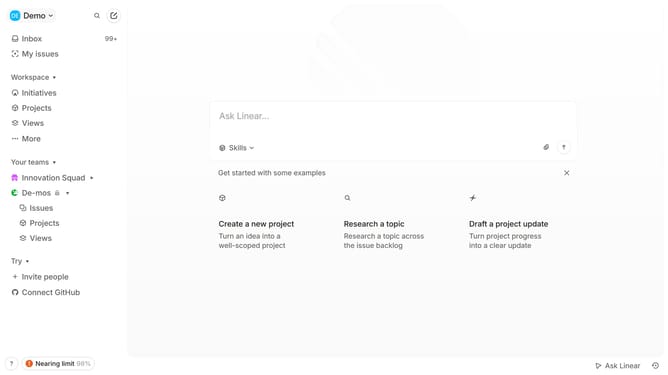
How to retire a linear app team in Linear
Here is how to retire a linear app team in linear
- First click on the 'three dots' menu icon in the sidebar
- Then click on "Team settings" in the menu
- After that, click on the "Retire..." button
- Finally, click on the "Retiring team..." button
Why should you retire a linear app team in Linear
Linear is a nimble tool designed to streamline project management and enhance productivity for software development teams.
Retiring a linear app team in Linear is a straightforward feature aimed at optimizing team structures. By providing a seamless process, it ensures that projects remain organized and responsibilities are clearly delineated, even after team adjustments.
This feature not only helps maintain operational clarity but also simplifies transitions, directly contributing to a more efficient workflow. Embracing this feature can greatly benefit team dynamics by ensuring continuity and reducing potential drop-offs in project management.
Last update