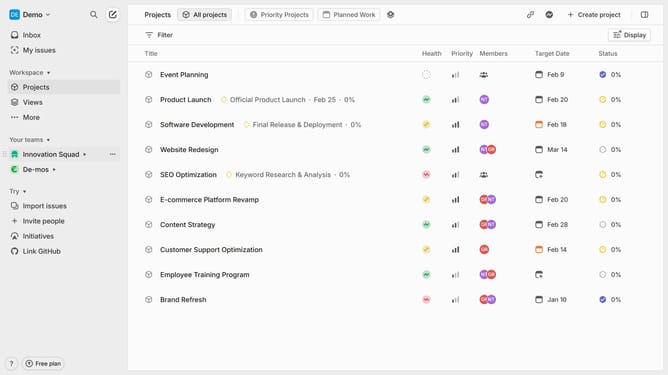
How to create a team on Linear
Here is how to create a team on linear
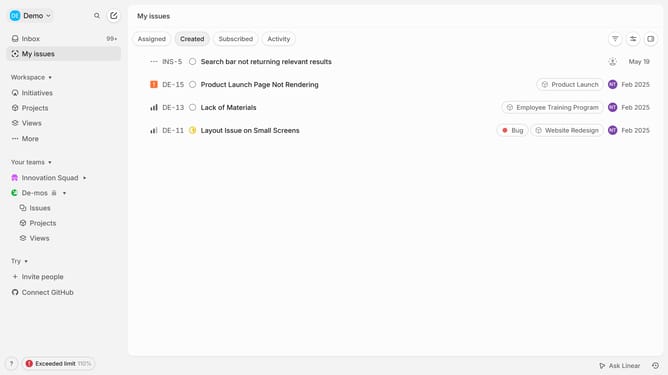
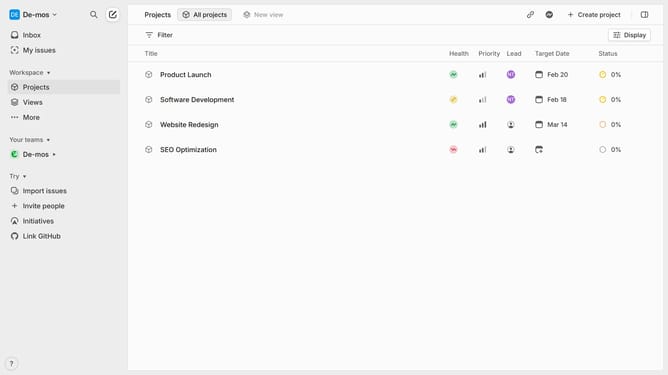
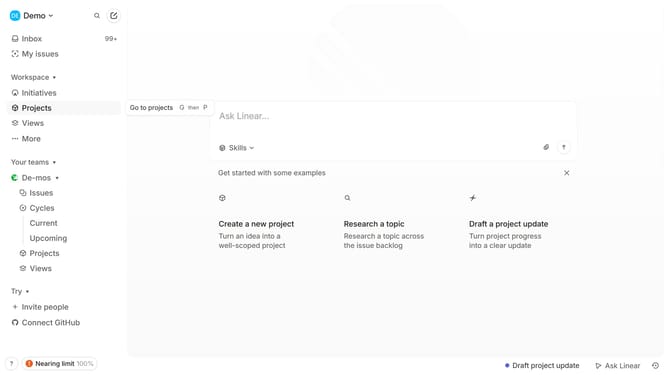
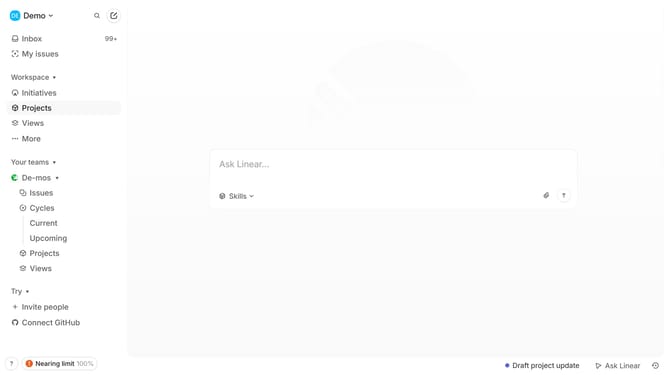
- First go to your workspace and click on the "More" option in the left sidebar
- Then click on "Teams" in the dropdown menu
- Next click on the "Add team" button in the top right corner
- In the team creation form, enter the Team name
- An identifier will be created automatically, but you can edit it as needed.
- Toggle on the "Private team" to make the team type private
- Finally, click "Create team" to finalize the team creation
- Your new team has been successfully created
Why should you create a team on Linear
Linear is a modern platform designed to streamline your product team's workflow, enhancing productivity and efficiency.
Creating a team on Linear empowers collaborative work dynamics, allowing members to align seamlessly on objectives. This feature fosters better communication and prioritization among team members.
Utilizing this feature ensures that everyone stays updated and work progresses smoothly, minimizing bottlenecks and maximizing output. Forming a team in Linear is a strategic step in organizing and tackling projects with heightened agility and coordination.
Last update