How to make a team private on Linear
Here is how to make a team private on linear
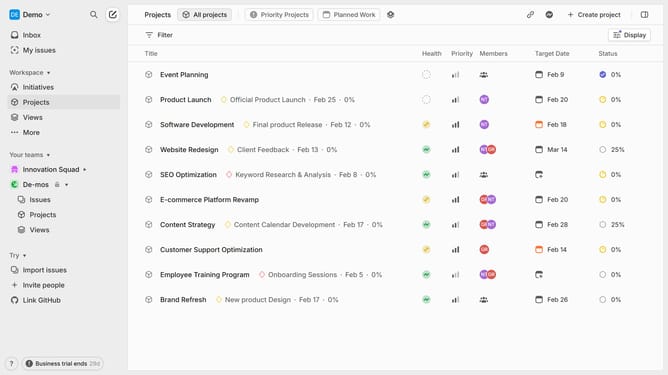
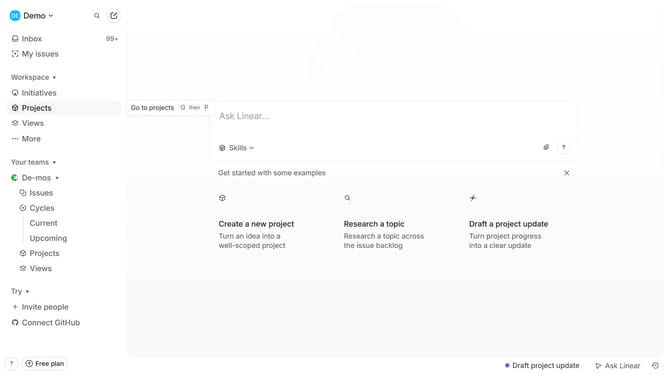
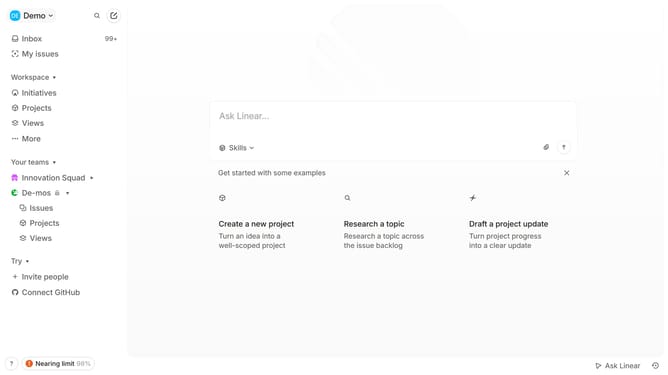
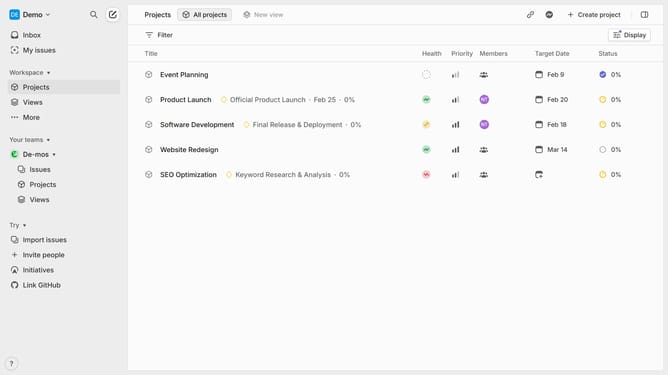
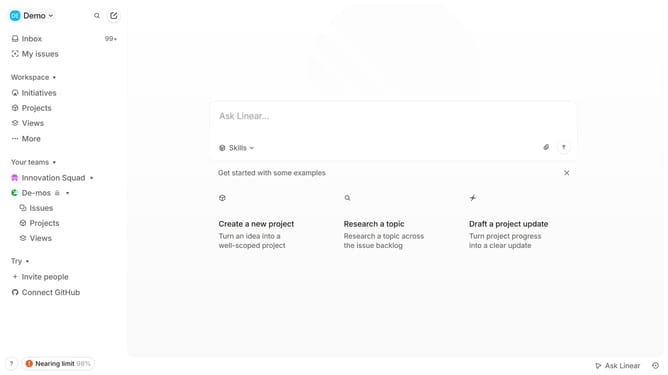
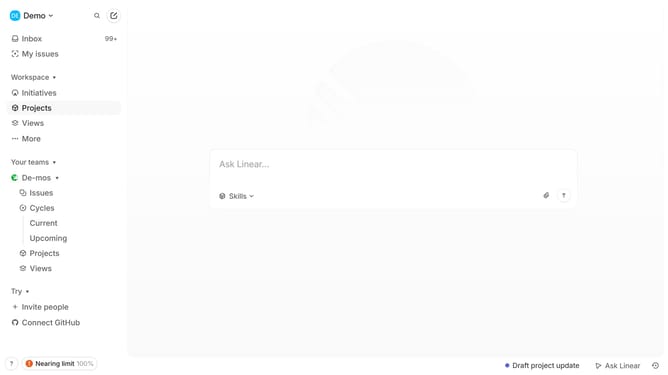
- First, navigate to your workspace in the left sidebar and click on "More"
- Then click on "Teams" in the dropdown menu
- Next select the team that you want to make private and click on the three dots (...) next to it
- Select "Team settings" from the dropdown menu
- Finally click on "Make private" in the Danger zone section
- In the pop up, click on "Make private" again to confirm
- Your team is now private, restricting access to only invited members
Why should you make a team private on Linear
Linear is a streamlined project management tool designed to enhance productivity through intuitive interface and powerful functionalities.
Making a team private on Linear ensures that sensitive projects remain secure and are only accessible to designated members. This feature allows organizations to maintain discretion over specific tasks or strategic initiatives without compromising overall workflow efficiency.
By creating a private team, users can focus on collaboration within a select group, fostering a more intimate setting for idea exchange and innovation while keeping distractions to a minimum.
Last update