How to disable email notifications on Linear
Here is how to disable email notifications on linear
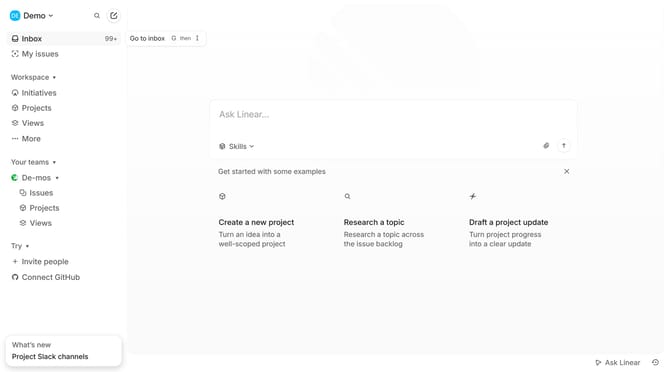
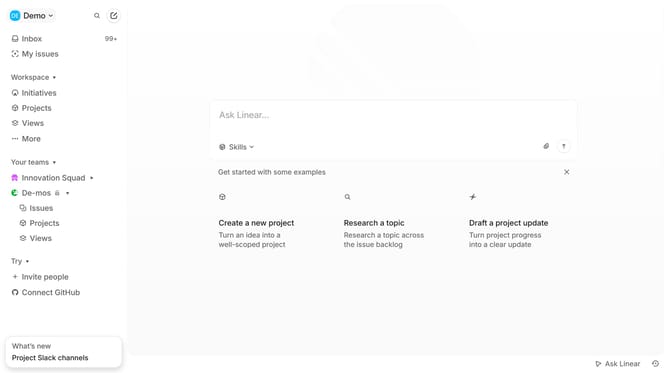
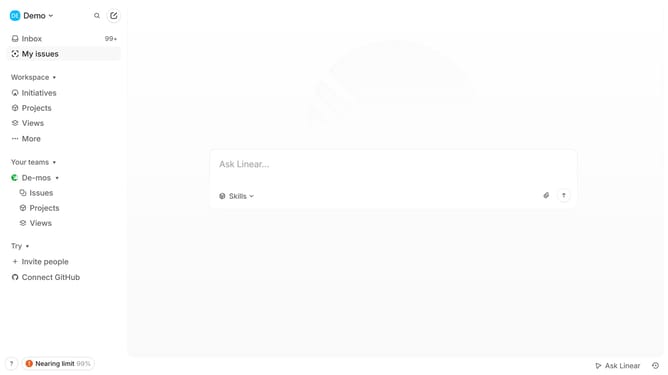
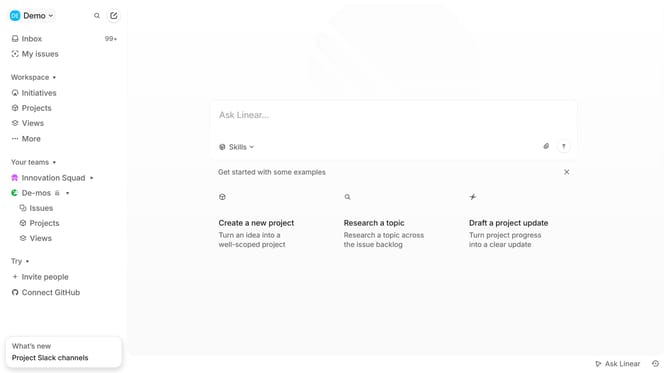
- First click on the "Demo" dropdown in the header
- Then click on "Settings" from the dropdown menu
- Next, click on "Notifications" in the sidebar menu
- Then click on the "Email" section
- Finally, click on the toggle switch OFF to disable "Enable email notifications"
Why should you disable email notifications on Linear
Linear is a streamlined tool designed to enhance team productivity through efficient project management.
One valuable feature is the ability to disable email notifications, allowing users to reduce digital noise.
By managing notifications, you can maintain focus on tasks without unnecessary interruptions, leading to increased productivity.
This setting ensures your inbox remains clutter-free, letting you concentrate on high-priority projects without the distraction of constant alerts.
Last update