How to edit issue template name in Linear
Here is how to edit issue template name in linear
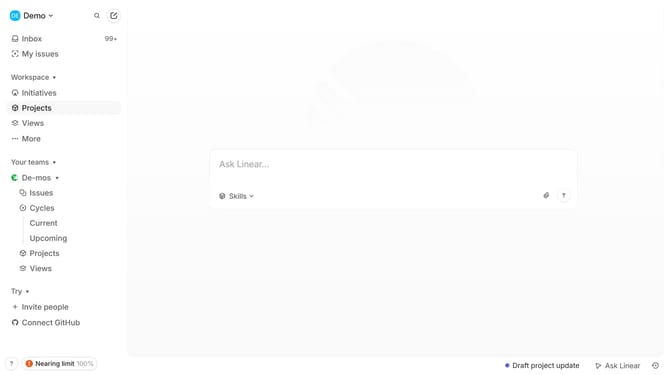
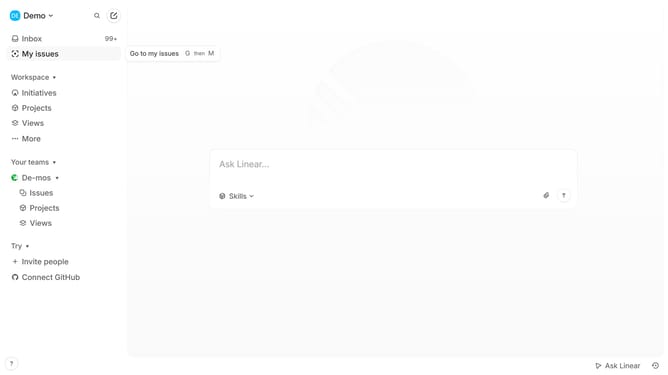
- First click on the "Demo" button in the header
- Then click on the "Settings" option in the dropdown menu
- Next, select "Templates" from the left sidebar
- Click on the three dots icon next to the template name
- Then click on the "Edit" button
- Then click on the template name and edit it
- Finally, click on the "Save" button
Why should you edit issue template name in Linear
Linear is an intuitive platform designed to streamline your team’s project management and workflow efficiency.
One of Linear's valuable features is the ability to edit issue template names, providing flexibility in organizing team tasks and projects.
This feature allows project leads to tailor templates specific to project needs, enhancing clarity and understanding across the team.
By customizing issue template names, teams can ensure consistent communication, reduce misunderstandings, and maintain a structured approach to managing tasks.
Last update