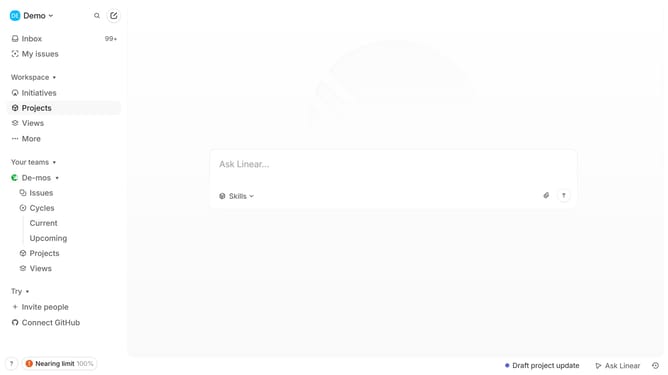
How to set priority of sub-issues on Linear
Here is how to set priority of sub-issues on linear
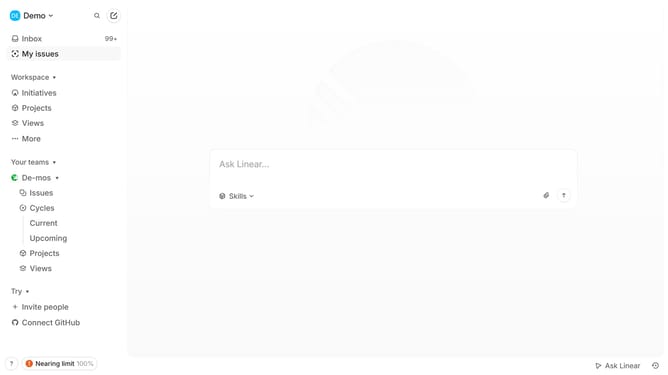
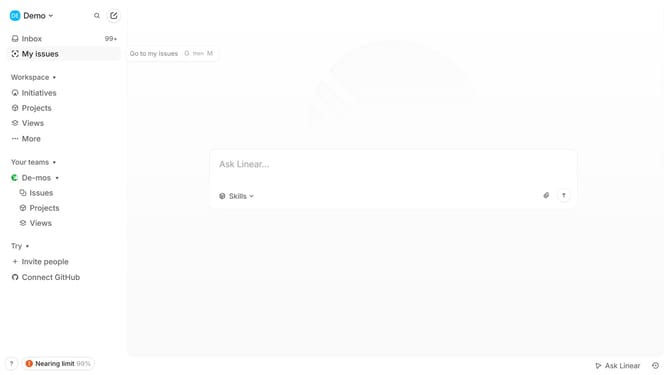
- First click on "My issues" in the left sidebar
- Then click on "Created" tab
- Then click on the issue that you want to manage
- Then right-click on the sub-issue
- Finally, select "Urgent" from the "Set priority" dropdown menu
Why should you set priority of sub-issues on Linear
Linear is a dynamic tool designed to streamline team workflows and enhance productivity.
Setting the priority of sub-issues in Linear helps teams focus on what truly matters by organizing tasks according to their urgency and importance. This feature empowers team members to efficiently manage workloads, ensuring critical tasks are addressed promptly while lesser issues can wait their turn.
Prioritizing sub-issues enables better tracking of project progress, providing clarity on immediate goals. This leads to improved collaboration and ensures that everyone is aligned with project objectives, making teamwork smoother and more effective.
Last update