How to configure templates on Linear
Here is how to configure templates on linear
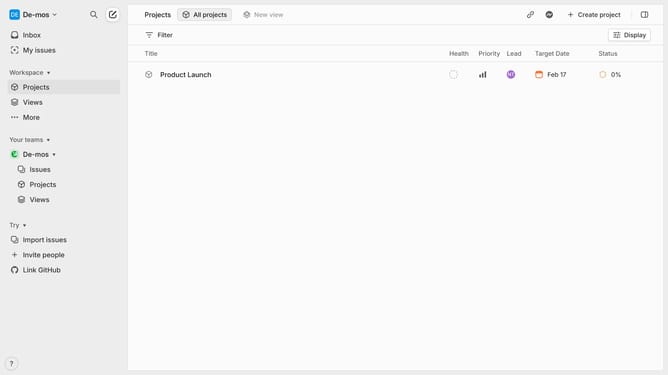
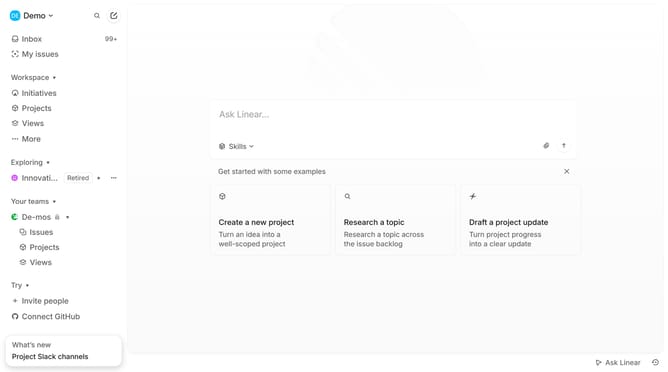
- First click on the Workspace dropdown in the header
- Then click on "Settings" in the dropdown menu
- In the left sidebar menu, click on "Templates" under the Features section
- Choose the type of template you want to configure (Project, Issue, or Document)
- Next click "New template" to start a new template
- Give a name for your template
- Then add a title and description or instructions for using the template with pre-filled content that should appear when using the template
- Finally, click "Create" to finish the configuration
- Your template is now ready to use when creating new issues, projects, or documents, depending on your selection
Why should you configure templates on Linear
Linear is a streamlined project management tool designed to enhance productivity and efficiency.
Configuring templates on Linear is a powerful feature that streamlines repetitive tasks by allowing users to create standardized workflows. These templates ensure consistency across various projects, saving time and reducing potential errors.
The adaptability of templates supports team collaboration by quickly aligning members on project expectations and deliverables, optimizing the workflow for peak productivity.
Last update