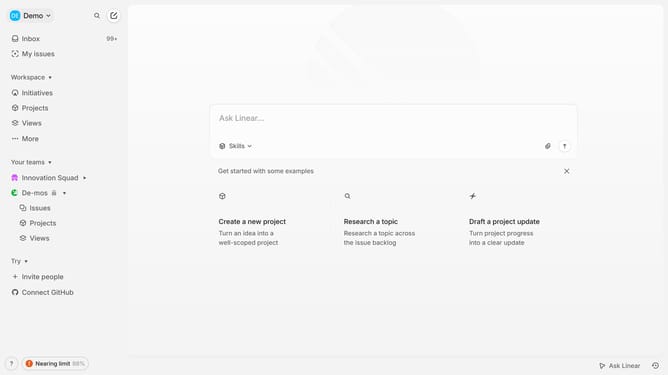
How to edit a view on Linear
Here is how to edit a view on linear
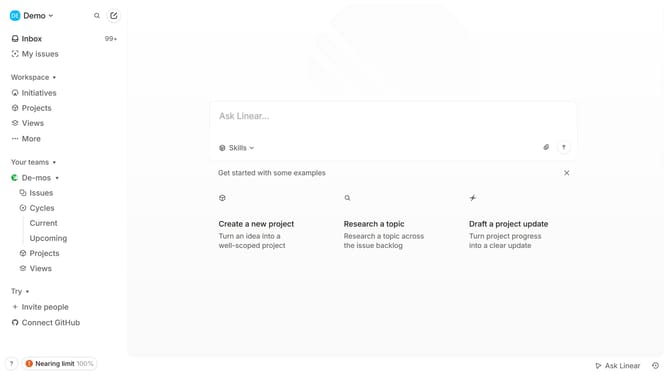
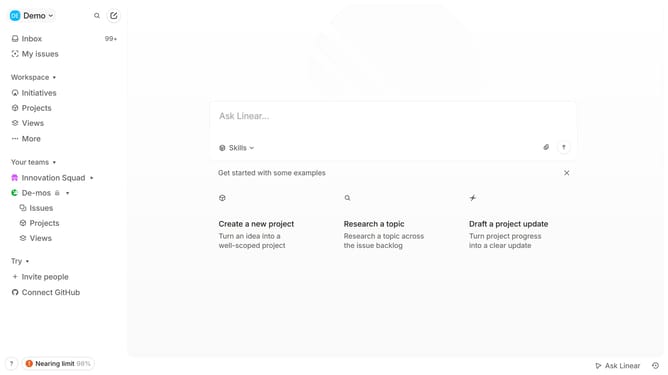
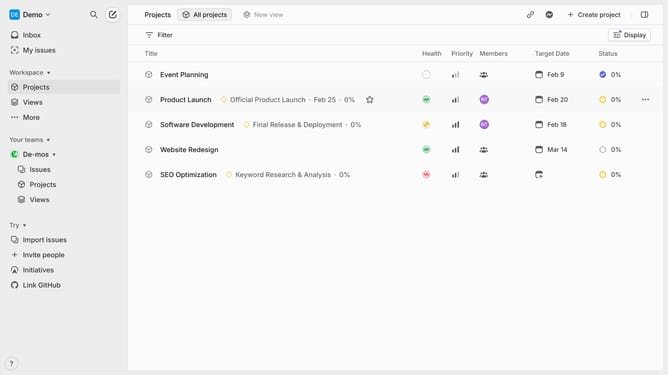
- First navigate to you workspace and click "Projects" in the left siidebar
- Then, select the saved view you want to edit and right-click on it
- Next click on "Edit" option from the menu
- You can modify the title and description of the view
- Remove the current filter to select a new one
- Click on "Display" in the top-right corner to access display settings and adjust them as needed
- Once you've made your changes, click "Save Changes" to update the view
- You have successfully edited your view, and the updates will now be reflected across your workspace
Why should you edit a view on Linear
Linear is a streamlined project management tool designed to enhance team productivity and task flow.
When you edit a view on Linear, you're able to customize your workspace for maximum efficiency tailored to your specific needs.
This feature allows you to rearrange, filter, and prioritize tasks, ensuring that the most important projects get the attention they deserve.
By giving you control over your own workspace setup, Linear enhances focus, helps manage workload more effectively, and boosts overall productivity.
Last update