How to filter Linear app issues by priority on Linear
Here is how to filter linear app issues by priority on linear
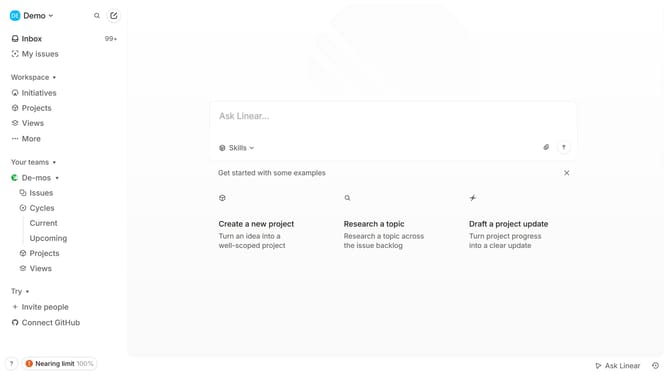
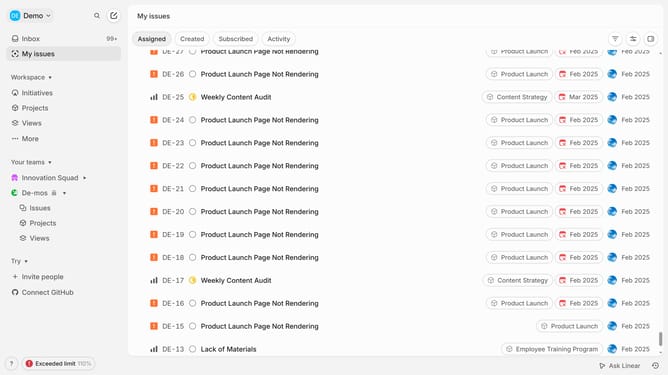
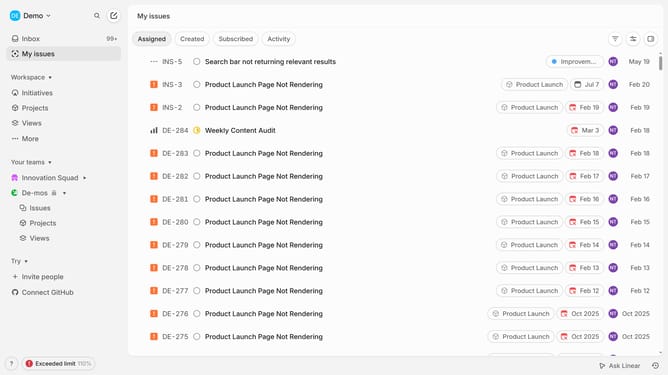
- First click on "My issues" in the sidebar
- Then click on the filter icon in the header
- Then click on "Priority" in the filter menu
- Finally select "Urgent" checkbox from the priority options
Why should you filter Linear app issues by priority on Linear
Linear is a sleek project management tool designed to streamline issue tracking and team productivity.
Filtering Linear app issues by priority allows team members to focus on what matters most, enabling them to tackle high-impact tasks and optimize workflow efficiency. Prioritization ensures that critical issues are addressed promptly, minimizing delays and maximizing team output.
This feature promotes better team collaboration, as all members are aligned on the urgency of tasks. Filtering by priority is essential for effective project management, keeping teams agile and responsive.
Last update