How to delete project status on Linear
Here is how to delete project status on linear
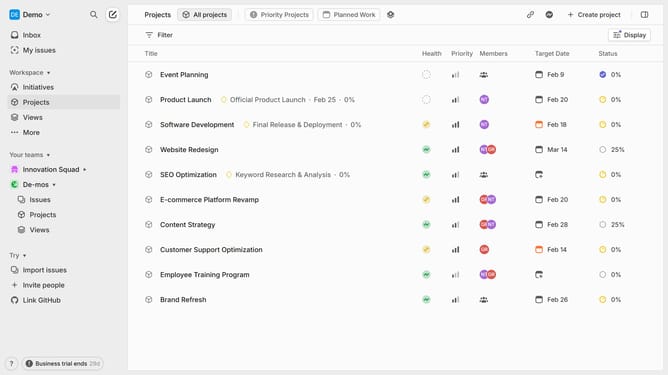
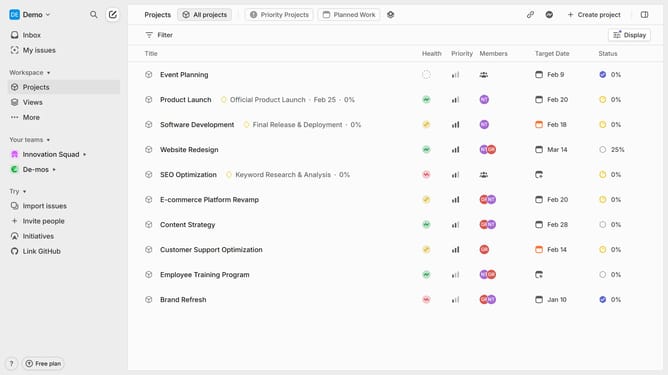
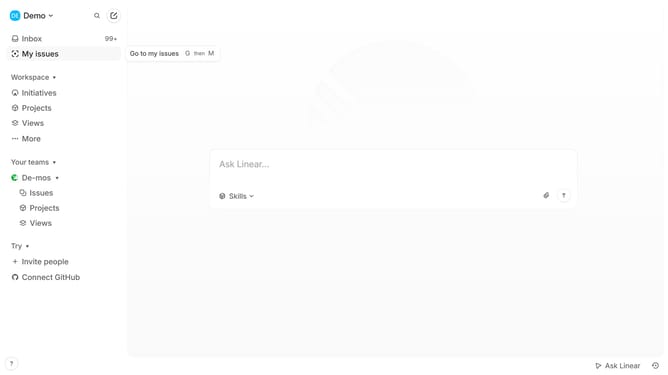
- First click on the "Demo" button in the header
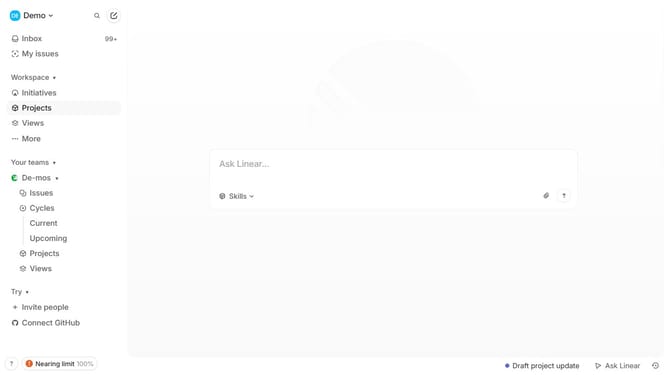
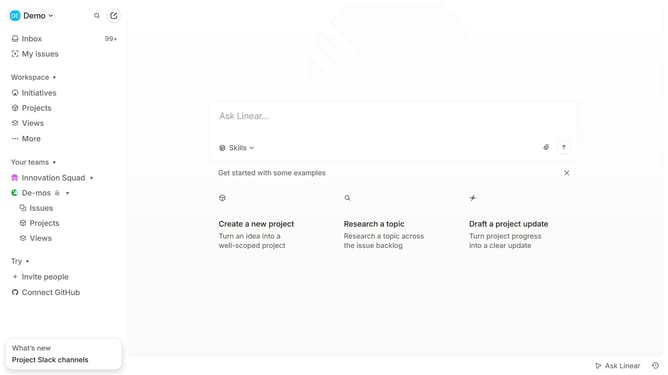
- Then click on "Inbox" from the sidebar
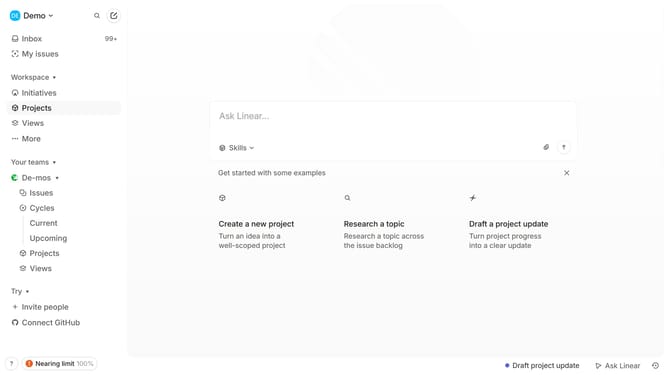
- Next, click on "Statuses" in the sidebar
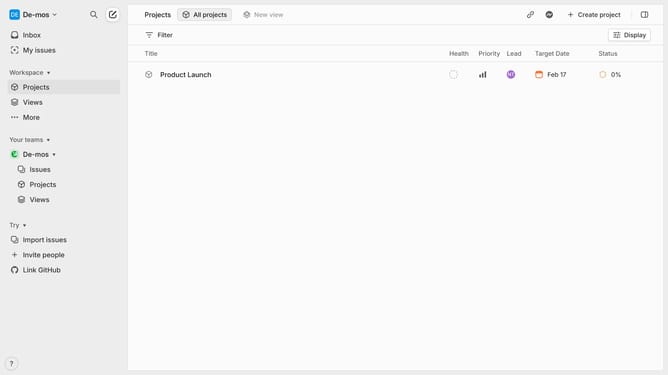
- Then click on the "More" icon in the top menu
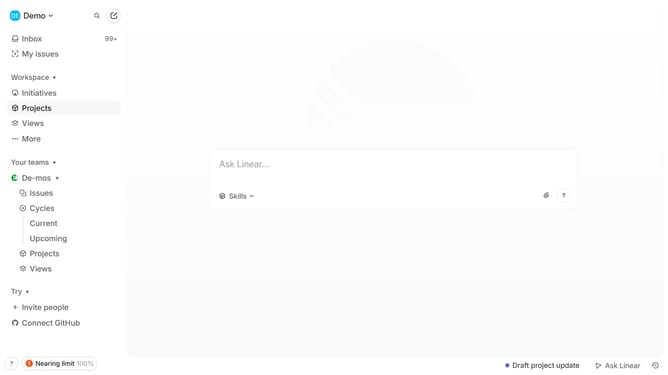
- Finally click on "Delete" in the opened menu
Why should you delete project status on Linear
Linear is a streamlined tool designed to optimize workflow efficiency by simplifying project management.
Deleting a project status on Linear is a powerful feature that enhances project management clarity.
By removing outdated or incorrect statuses, teams can ensure that everyone is on the same page, reducing confusion and preventing ineffective communication.
Utilizing this feature not only keeps the project board organized but also boosts overall productivity by allowing team members to focus on relevant updates.
Last update