How to add link to a project on Linear
Here is how to add link to a project on linear
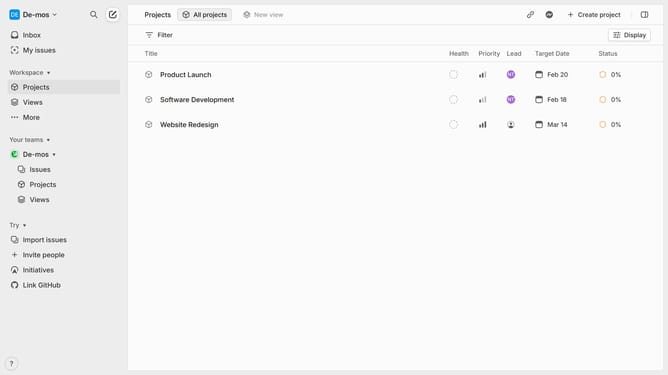
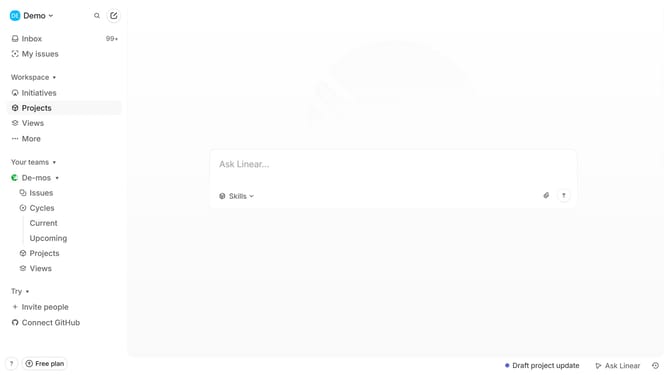
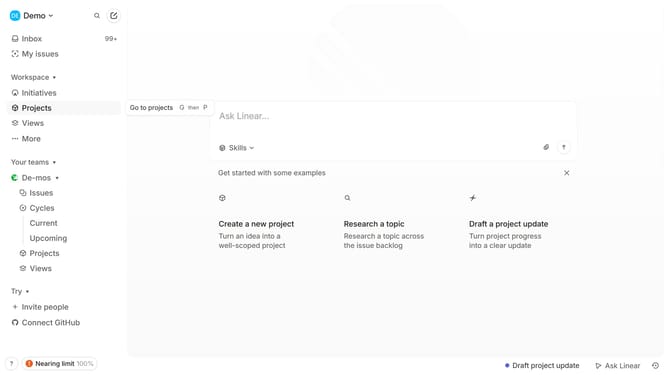
- First click on "Projects" item in the left sidebar
- Then click on a project in the main panel
- Next click on the "Add document or link" button within the "Resources" section
- Then click on the "Add a link" option from the dropdown menu
- Then insert the URL in the URL text field
- Finally click on the "Add link" button to confirm
Why should you add link to a project on Linear
Linear is a productivity tool designed for modern teams to effectively manage their projects and tasks.
Adding a link to a project on Linear is a feature that enhances collaboration by allowing team members to easily share and access project information.
This capability ensures transparency, keeping everyone aligned with the project goals and progress. It simplifies communication and reduces the time spent searching for project details, thereby increasing efficiency.
By integrating links, teams can streamline their workflows, ensuring everyone stays focused and productive.
Last update