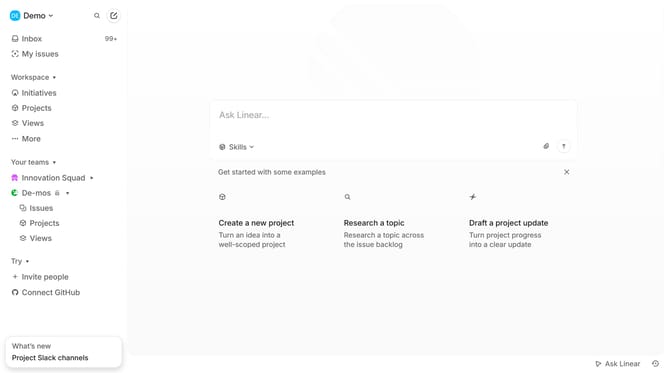
How to enable Linear app notifications for updates in Linear
Here is how to enable linear app notifications for updates in linear
- First click on the "Demo" dropdown in the header
- Then click on "Settings" in the sidebar
- Next, click on "Notifications" in the sidebar
- Then select "Mobile" from the Notification channels
- Finally, toggle the switch for "Updates" to enable it
Why should you enable Linear app notifications for updates in Linear
Linear is a tool designed to streamline project management and team collaboration with remarkable efficiency.
Enabling app notifications for updates in Linear ensures you never miss important changes, keeping your workflow smooth and informed. This feature helps maintain seamless communication across teams, alerting you to crucial updates instantly.
By staying updated with real-time notifications, you enhance productivity and can respond quickly to evolving project demands. The ability to enable these alerts equips you and your team with agility, ensuring you're always a step ahead in your collaborative efforts.
Last update