How to copy view link on Linear
Here is how to copy view link on linear
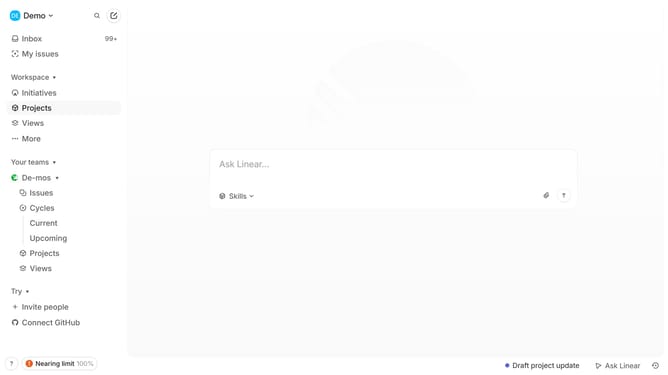
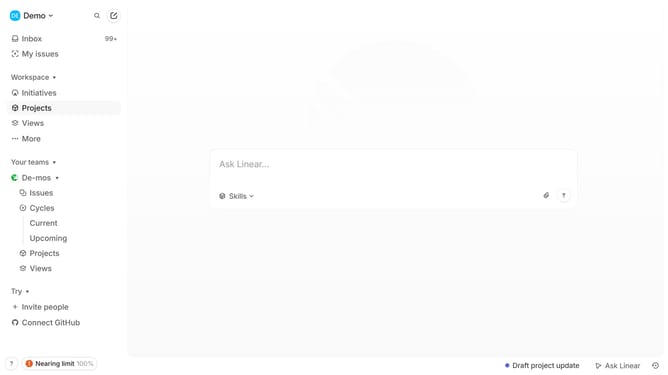
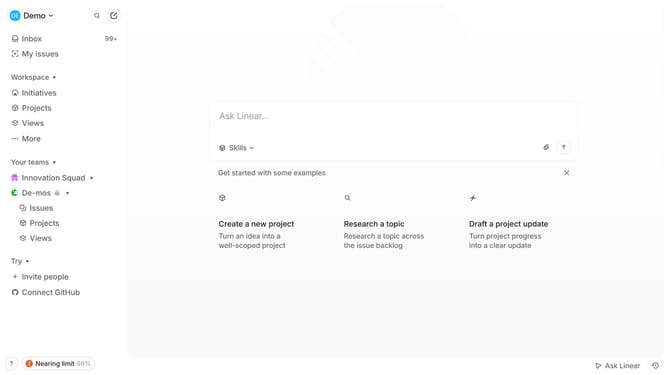
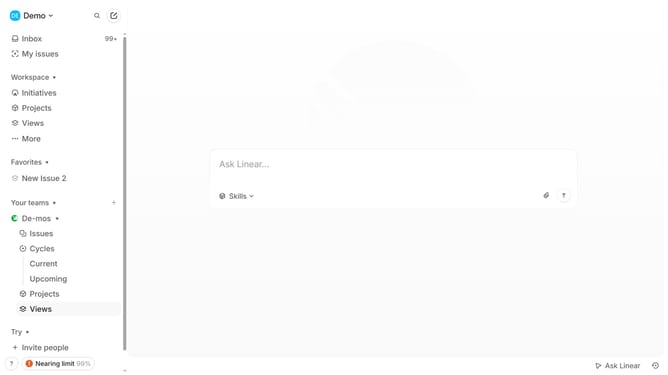
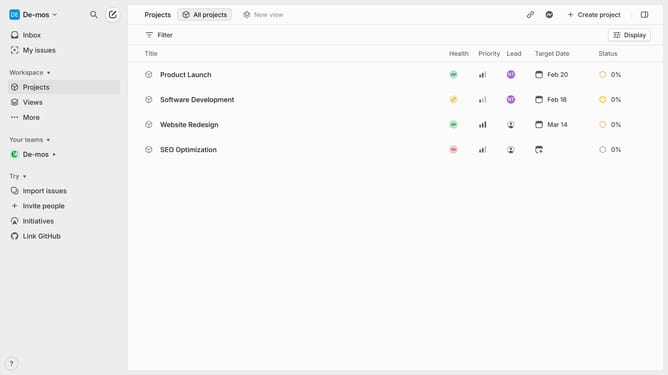
- First go to your workspace and click "Projects" in the left sidebar
- Then click on the specific view you want to share
- Next click on the sharing icon in the top right
- A notification will appear confirming that the view link has been copied to your clipboard, allowing you to share it wherever needed
Why should you copy view link on Linear
Linear is a sophisticated platform designed to streamline workflow management for modern teams.
The "Copy View Link" feature in Linear offers the capability to effortlessly share a specific view with colleagues or stakeholders, ensuring everyone stays on the same page.
This feature aids in maintaining transparency and clarity, as it allows you to share a link that directly illustrates your current work perspective, be it task lists, project planning, or any customized view.
By using this feature, communication becomes more efficient, as all team members have direct access to pertinent information, enhancing collaboration and productivity.
Last update