How to disable email notifications for status changes in Linear
Here is how to disable email notifications for status changes in linear
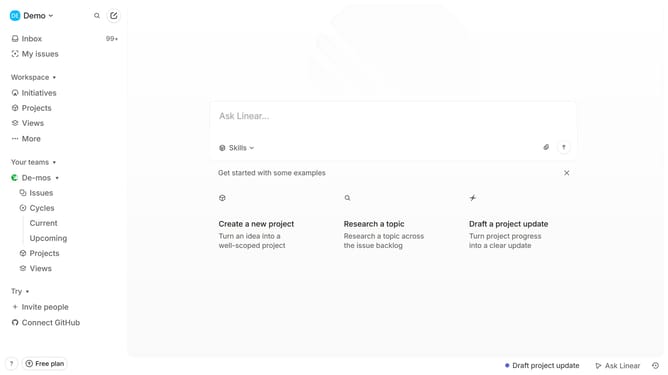
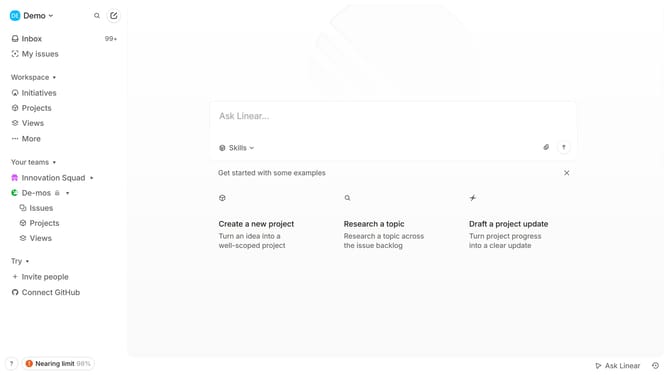
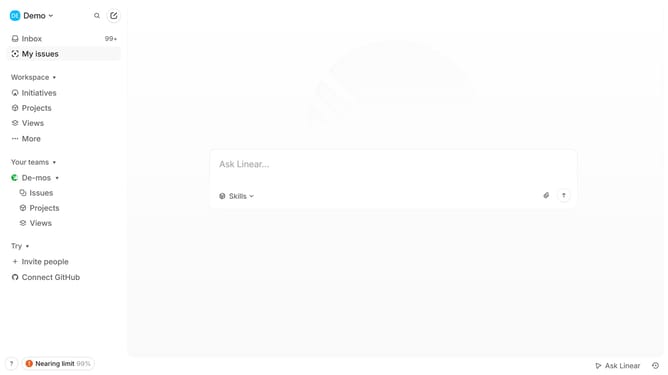
- First click on the "Demo" item in the header
- Then click on the "Settings" option in the dropdown menu
- Next click on the "Notifications" item in the sidebar
- Then click on the "Email" option
- Finally click OFF the toggle button next to "Status changes"
Why should you disable email notifications for status changes in Linear
Linear is a streamlined tool designed to boost productivity through effective team management.
One of the helpful features of Linear is the ability to disable email notifications for status changes. This allows users to maintain focus without unnecessary interruptions.
Utilizing this feature can significantly aid in reducing email clutter, thereby enhancing your workflow and concentration.
Adopting such features helps in creating a more controlled environment, allowing you to dedicate your attention to tasks that truly matter.
Last update