How to add emojis to documents in a project on Linear
Here is how to add emojis to documents in a project on linear
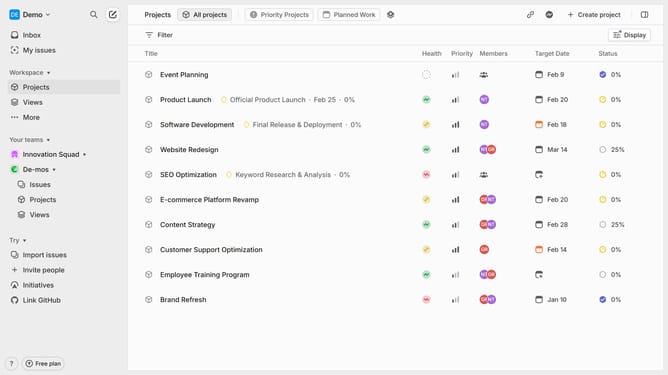
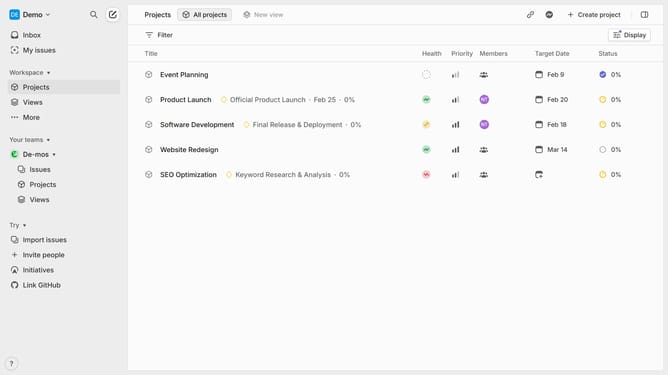
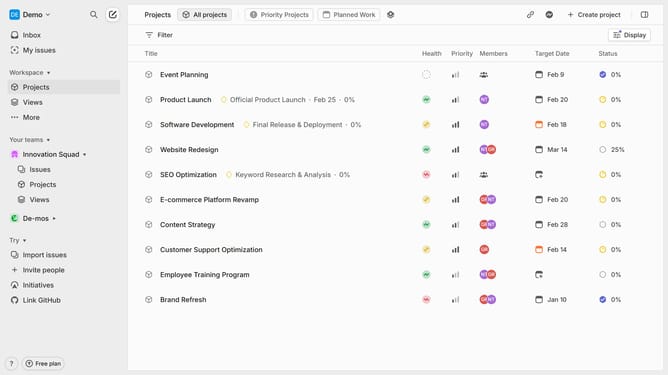
- First click on "Projects" in the left sidebar
- Then click on a project name from the project list
- Next, click on the document resource link
- Then click on the document canvas and type ":" followed by the name of the emoji
- Next, click within the text area
- Finally, click on your preferred emoji from the dropdown options
Why should you add emojis to documents in a project on Linear
Linear is a cutting-edge project management tool designed to streamline workflow and enhance team collaboration.
Adding emojis to documents within a project on Linear is a simple yet powerful feature that enriches the user experience. It allows teams to communicate ideas and emotions more effectively, injecting a personal touch that words alone may lack.
Emojis offer a visual shorthand that can make content more engaging, helping to clarify tone and intent. This can lead to improved understanding and more efficient collaboration among team members.
Beyond just adding fun, emojis can strategically enhance clarity and focus in project communication, ultimately driving more productive and enjoyable interactions.
Last update