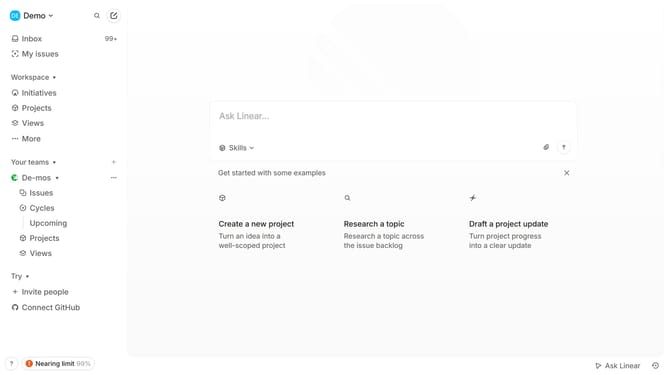
How to create a new issue URL on Linear
Here is how to create a new issue url on linear
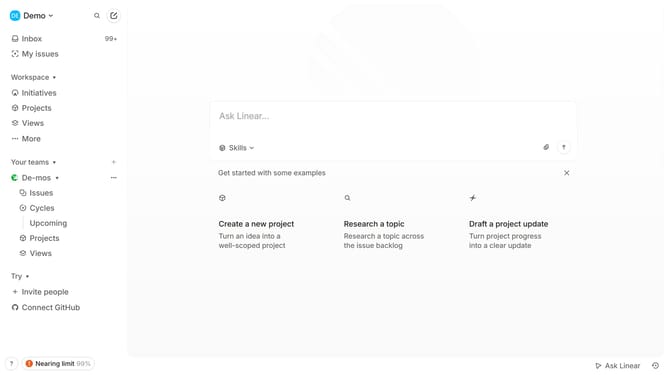
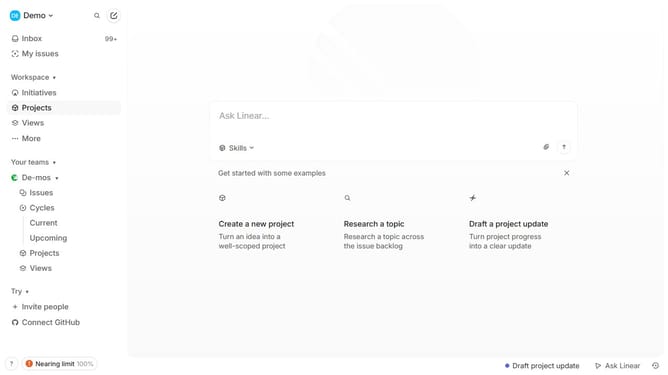
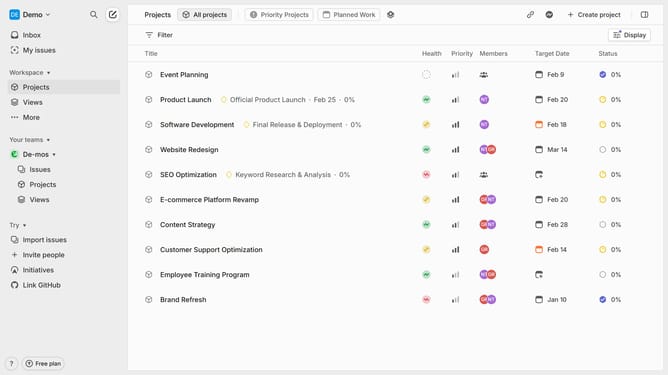
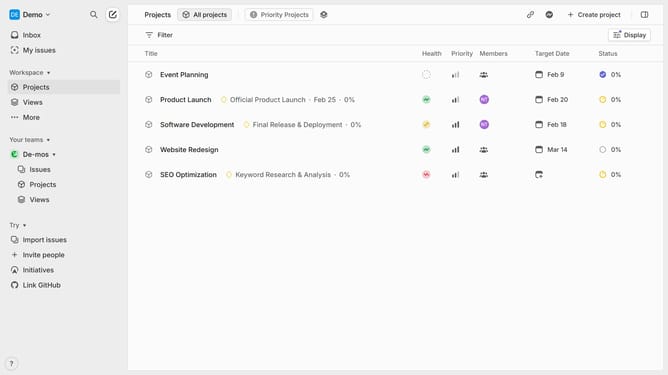
- First, click on "Projects" in the left sidebar
- Then, click on the project where you want to create the issue
- Next click on "Create new issue" to start creating an issue
- A new issue form will appear. Enter the issue title and add a description
- Then click on "Priority" at the bottom menu
- Select the priority level of the issue from the dropdown menu
- Once everything is filled out, click on "Create issue" to add the issue to the project
- Your issue is now created and can be tracked within the project
- Open the issue and click on the "Chain" icon in the right sidebar to copy the issue URL
- The issue URL has been successfully copied, and you can now paste or share it wherever needed
Why should you create a new issue URL on Linear
Linear is an innovative platform designed to streamline and enhance team productivity.
The "Create a New Issue URL" feature in Linear simplifies the process of reporting issues, making collaboration seamless. By offering a direct link to initiate issue creation, it ensures that team members can quickly address tasks at hand.
This feature boosts efficiency by cutting down on the steps needed to document issues, while maintaining clarity and focus. It's an indispensable tool for teams aiming for smooth and effective project management.
Last update