How to filter Linear app issues by assignee on Linear
Here is how to filter linear app issues by assignee on linear
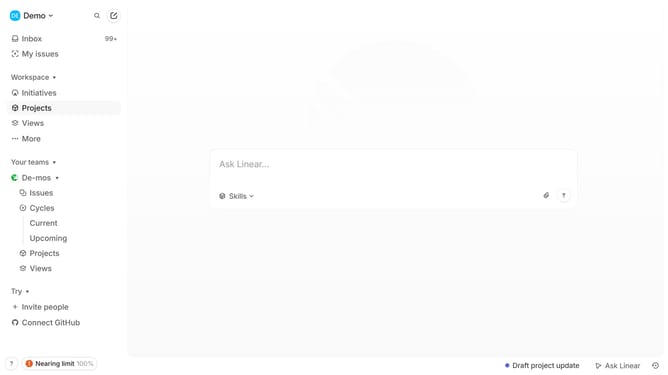
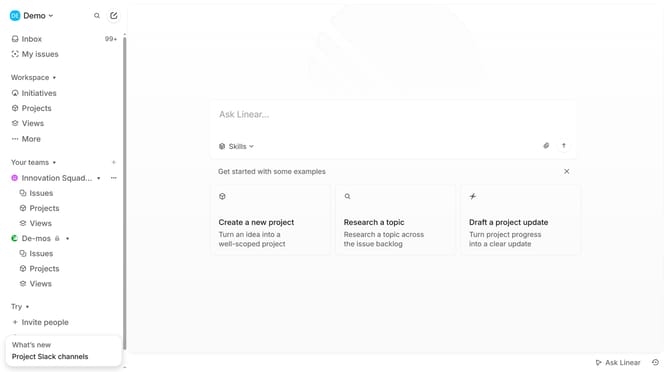
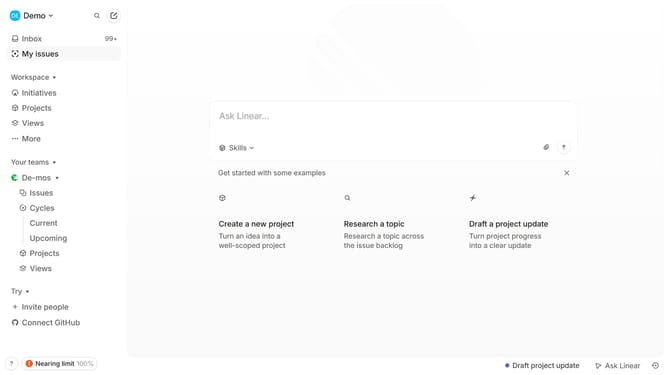
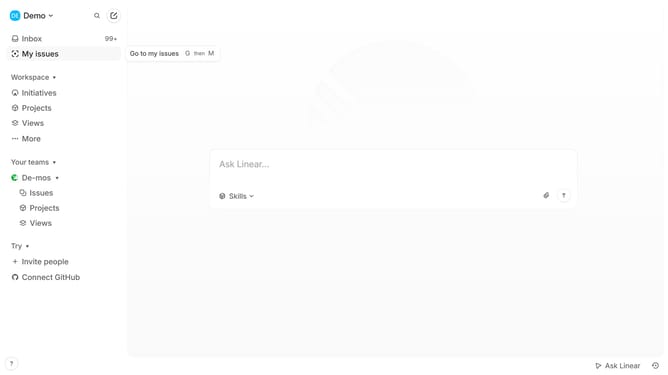
- First click on "My issues" item in the sidebar
- Then click on the "Assigned" tab in the main content area
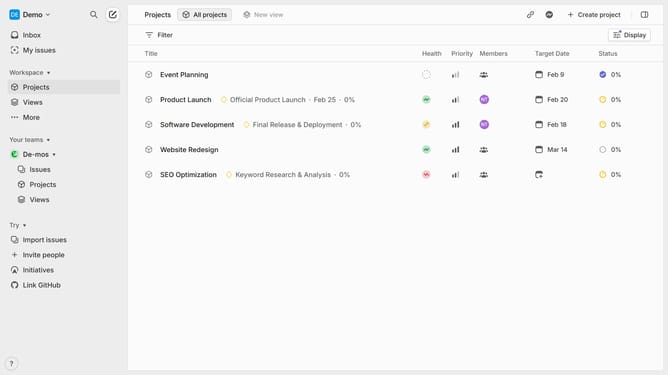
- Next, click on the filter icon in the top right of the main content area
- Then select "Assignee" from the filter menu
- Finally, select a name from the assignee list
Why should you filter Linear app issues by assignee on Linear
Linear is a robust app designed to streamline your team's workflow with efficiency and clarity.
Filtering issues by assignee in Linear allows teams to quickly identify who is responsible for which tasks, enhancing accountability and transparency.
This feature helps prevent overlap and ensures that no task is left unattended. It becomes particularly useful in collaborative environments where multiple people might be working on similar projects.
Ultimately, the ability to filter by assignee empowers teams to focus better, work more efficiently, and meet deadlines effectively.
Last update