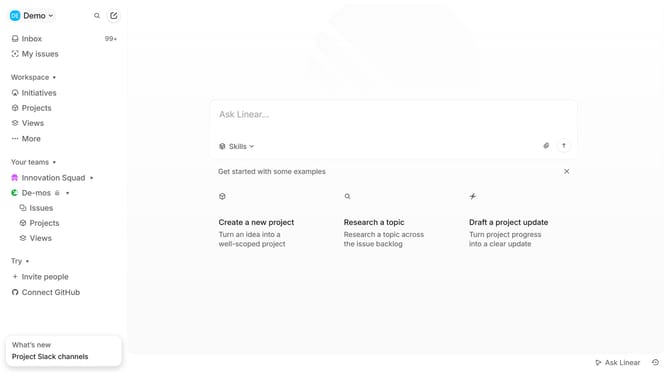
How to sort issues by projects on Linear
Here is how to sort issues by projects on linear
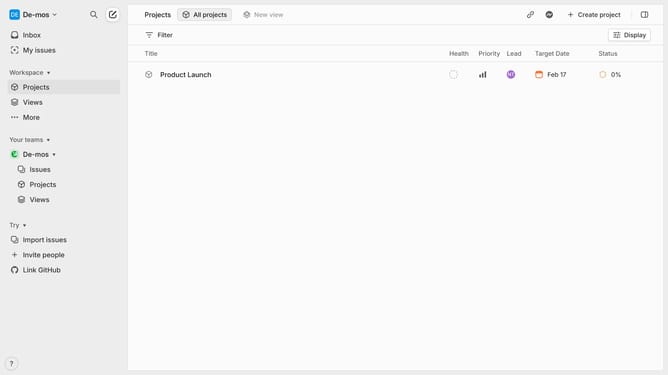
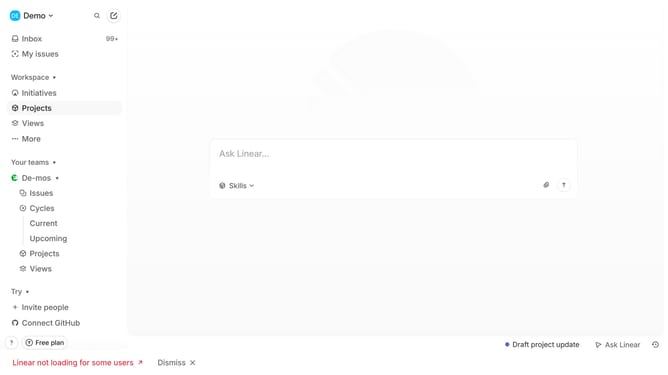
- First click on "My issues" in the left sidebar
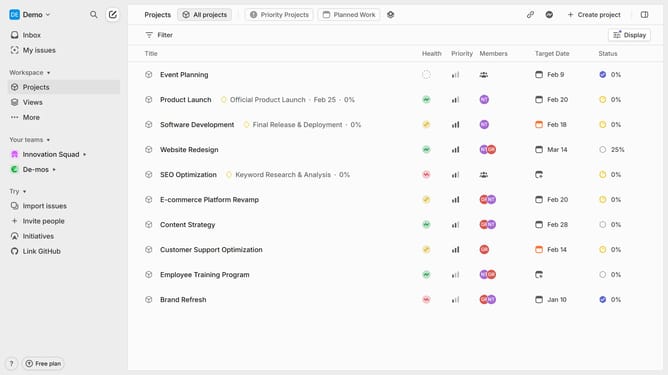
- Then click on the filter icon in the top right menu
- Select "Project" from the dropdown
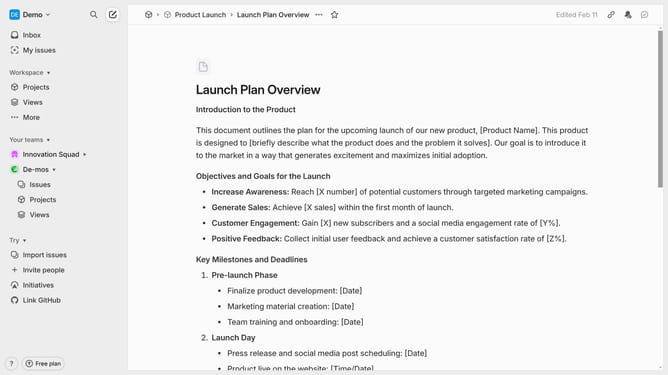
- Finally click on "Product Launch" to filter issues by project
Why should you sort issues by projects on Linear
Linear is a modern tool designed for streamlined project management and issue tracking.
Sorting issues by projects on Linear enhances productivity by allowing teams to categorize tasks efficiently. This feature provides a clear overview, enabling team members to target project-specific issues without distraction.
By organizing issues under their respective projects, teams can prioritize tasks better and streamline collaboration, making project timelines more accessible and facilitating smoother workflows.
Last update