How to favorite documents in a project on Linear
Here is how to favorite documents in a project on linear
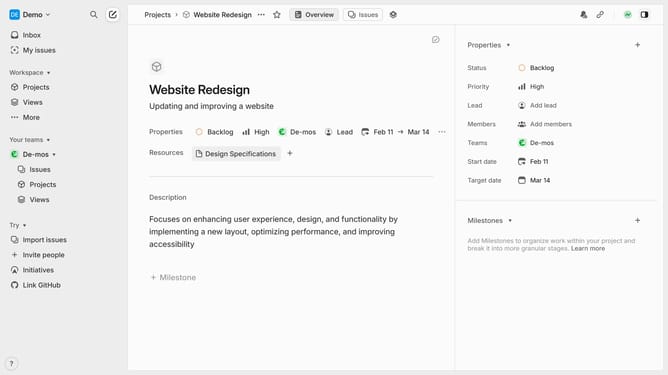
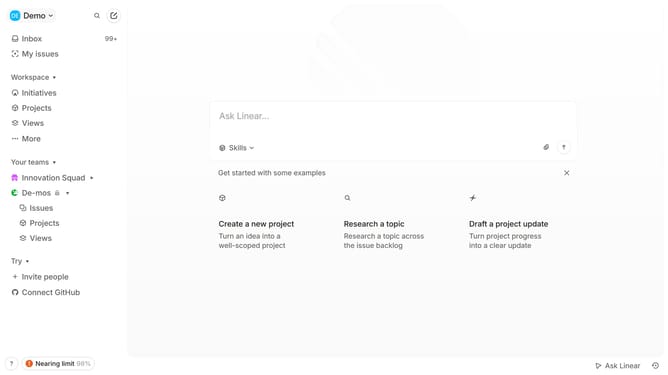
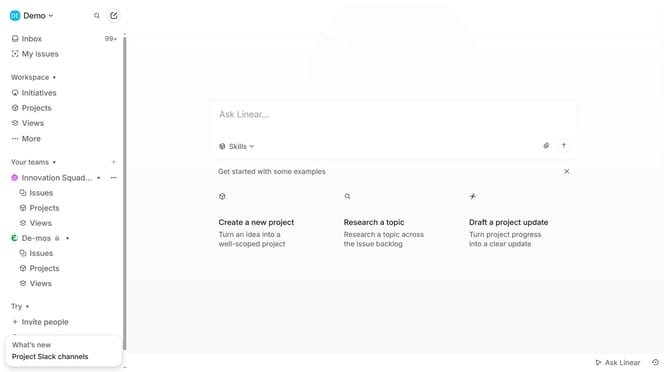
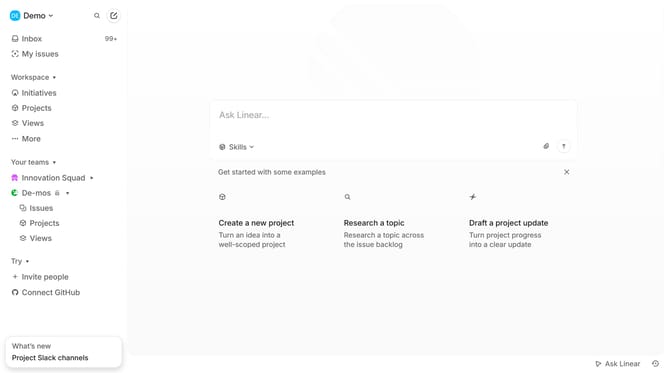
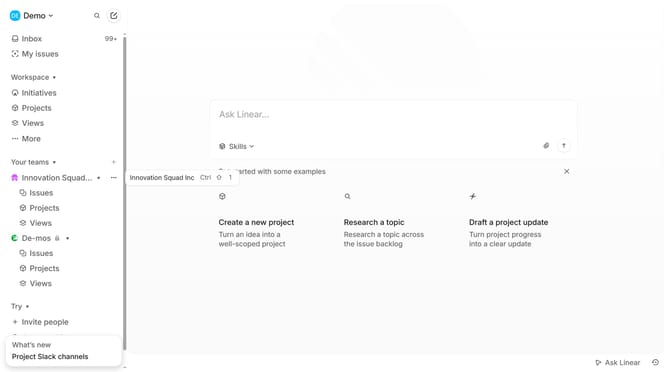
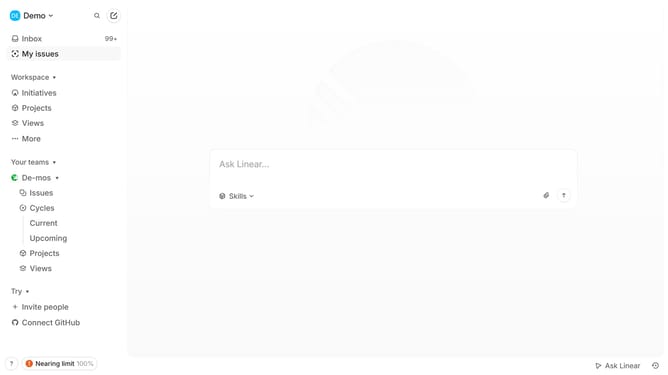
- First click on "Projects" item in the left sidebar
- Then click on the project that you want to open
- Then click on the document
- Then click on the three dots button at the top toolbar
- Finally select "Favorite" from the dropdown menu
Why should you favorite documents in a project on Linear
Linear is a project management tool designed to streamline workflows and enhance team productivity.
One standout feature in Linear is the ability to favorite documents within a project. This functionality offers quick access to important files, ensuring they are always at your fingertips when needed.
Favoriting documents helps teams maintain focus by reducing the time spent searching for essential information, ultimately boosting efficiency.
Using this feature fosters an organized workspace, as it highlights priority documents and encourages seamless collaboration among team members.
Last update