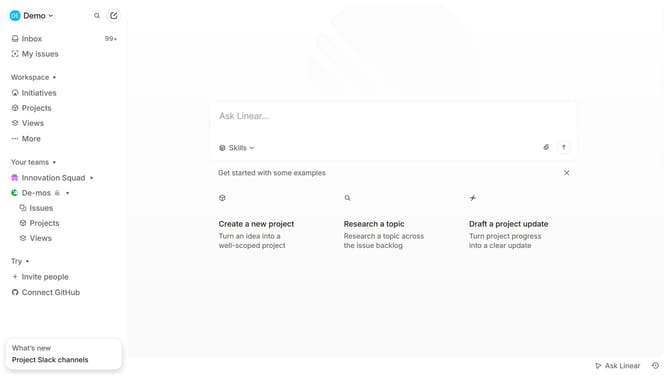
How to add description in a team label in Linear
Here is how to add description in a team label in linear
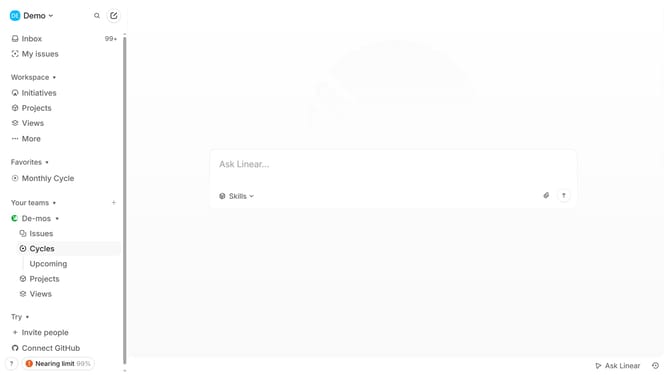
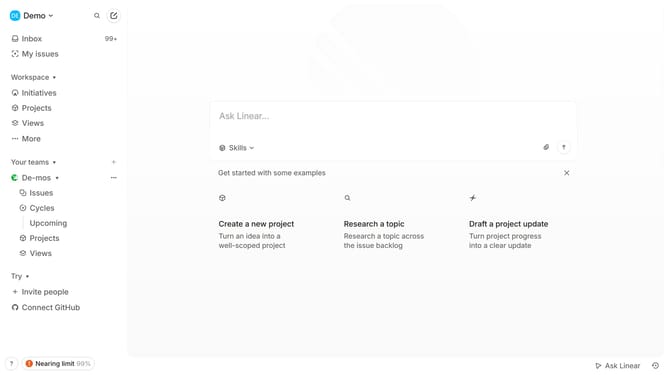
- Then click on the ellipsis icon next to team name in the sidebar
- Then click on 'Team settings' from the dropdown menu
- Click on 'Issue labels' within the 'Issues, projects, and docs' section
- Click on the 'Add label description...' text field and add your description
- Finally, click anywhere outside the input field to save changes
Why should you add description in a team label in Linear
Linear is a sleek and efficient tool designed to streamline project management for teams.
Adding a description to a team label in Linear enhances communication and clarity among team members. It allows for a shared understanding of the objectives and context, effectively aligning the team.
Using this feature ensures tasks are organized, relevant information is accessible at a glance, and collaboration is seamless and efficient. As a result, projects progress smoothly and efficiently, while reducing potential misunderstandings.
Last update