How to add numbered list in tables within project documents in Linear
Here is how to add numbered list in tables within project documents in linear
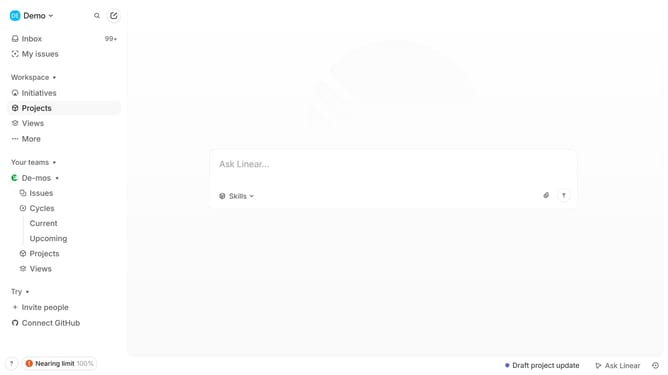
- First click on "Projects" in the left sidebar
- Then click on the project name in the main panel
- Then click on the document link
- Then click and highlight the word that you want to manage to show options
- Then click on the list dropdown button in the editor toolbar
- Finally select "Numbered list" from the dropdown menu
Why should you add numbered list in tables within project documents in Linear
Linear is a streamlined project management tool designed to enhance team productivity and clarity.
One of its standout features is the ability to seamlessly integrate numbered lists within tables in project documents. This allows for a structured presentation of information, making it easier for team members to stay aligned on tasks and priorities.
By incorporating numbered lists in tables, projects gain a clearer organization, facilitating quick understanding and tracking of progress. This feature is integral in maintaining efficiency in dynamic work environments.
Ultimately, Linear empowers teams to work smarter, ensuring that all stakeholders are on the same page at all times.
Last update