How to leave a linear app team in Linear
Here is how to leave a linear app team in linear
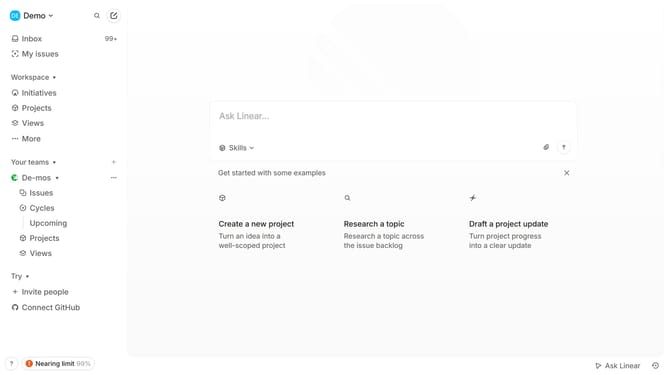
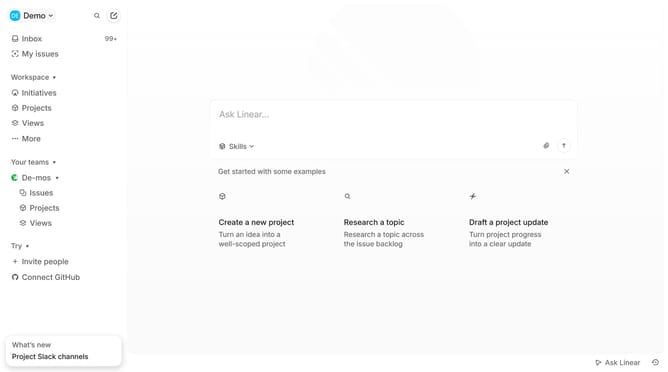
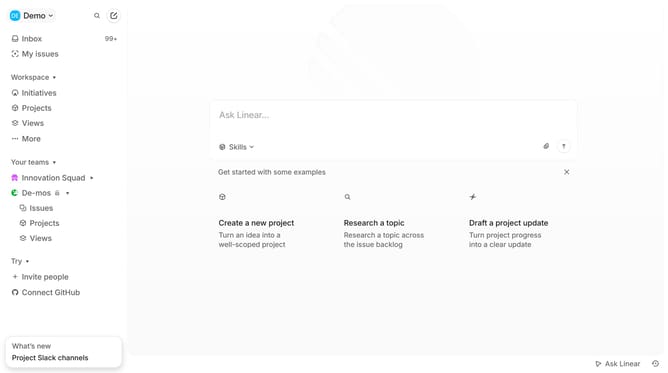
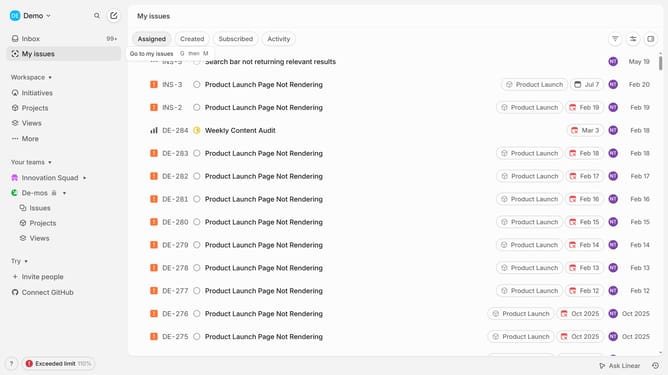
- First click on the 'three dots' menu icon next to the team name in the sidebar
- Then click on "Team settings" from the dropdown menu
- Next select "Leave team" from the available options
- Finally click on the "Leave" button to confirm
Why should you leave a linear app team in Linear
Linear is a cutting-edge tool designed to streamline project management and enhance team productivity.
Leaving a team in Linear is a feature that allows individuals to gracefully exit from collaboration spaces, ensuring seamless transitions without disrupting project continuity.
Utilizing this feature is beneficial for maintaining clarity and focus within a team, enabling members to move on when necessary without leaving loose ends.
This empowers teams to maintain a streamlined workflow, enhancing efficiency and cohesion even as members change or roles evolve.
Last update